MATLAB Techniques
Matlab Programming Review
The section is a review of the basic programming constructs presented in the Matlab Fundamentals tutorial.
Logical operations
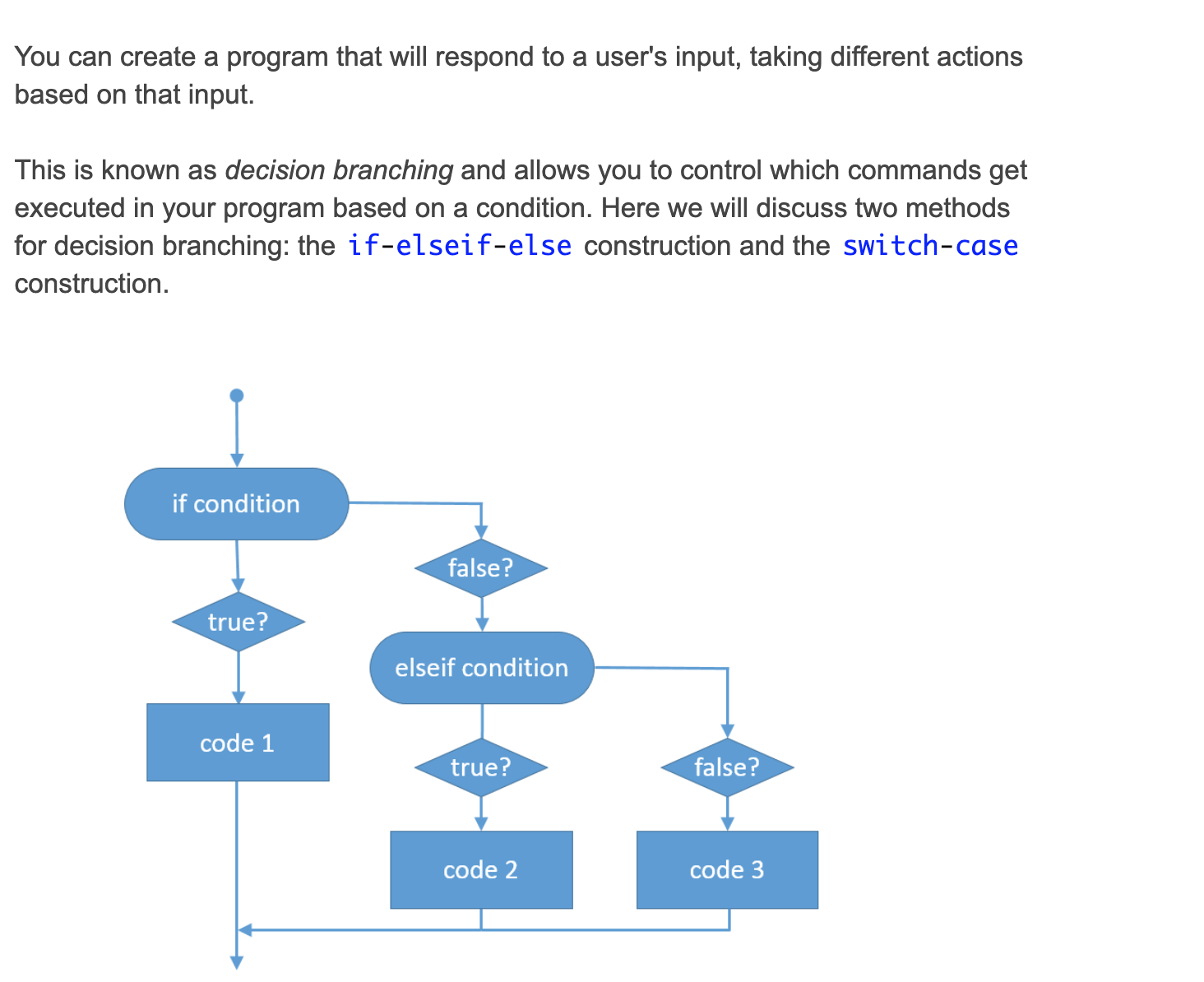
If expression, statements, end evaluates an expression, and executes a group of statements when the expression is true. An expression is true when its result is nonempty and contains only nonzero elements (logical or real numeric). Otherwise, the expression is false.
The elseif and else blocks are optional. The statements execute only if previous expressions in the if…end block are false. An if block can include multiple elseif blocks.
This information is derived from the documentation linked below.
**[Documentation: if,elseif,else](https://www.mathworks.com/help/matlab/ref/if.html)**
Decision Branching
Exercise: Using if-elseif-else
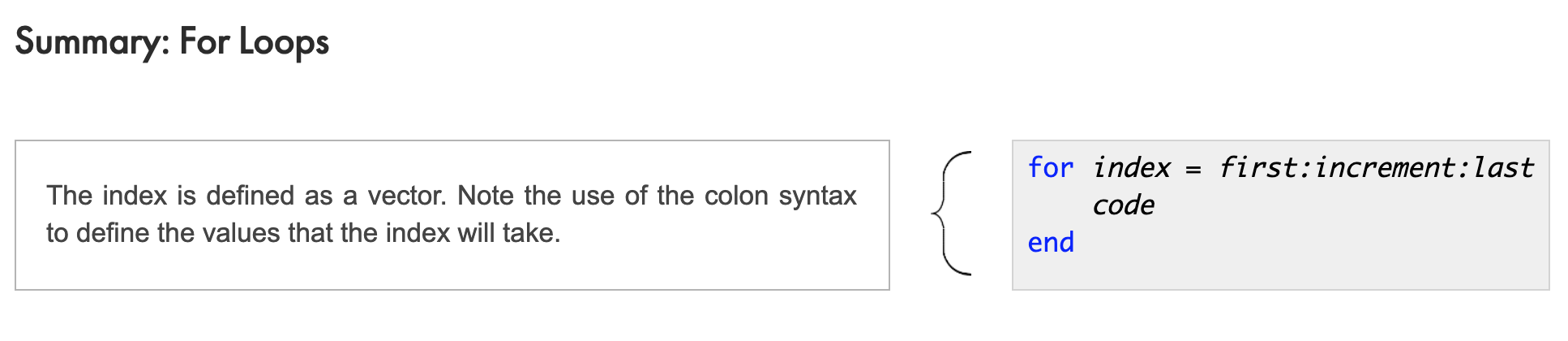
For Loops
Exercise: Looping Through a Vector
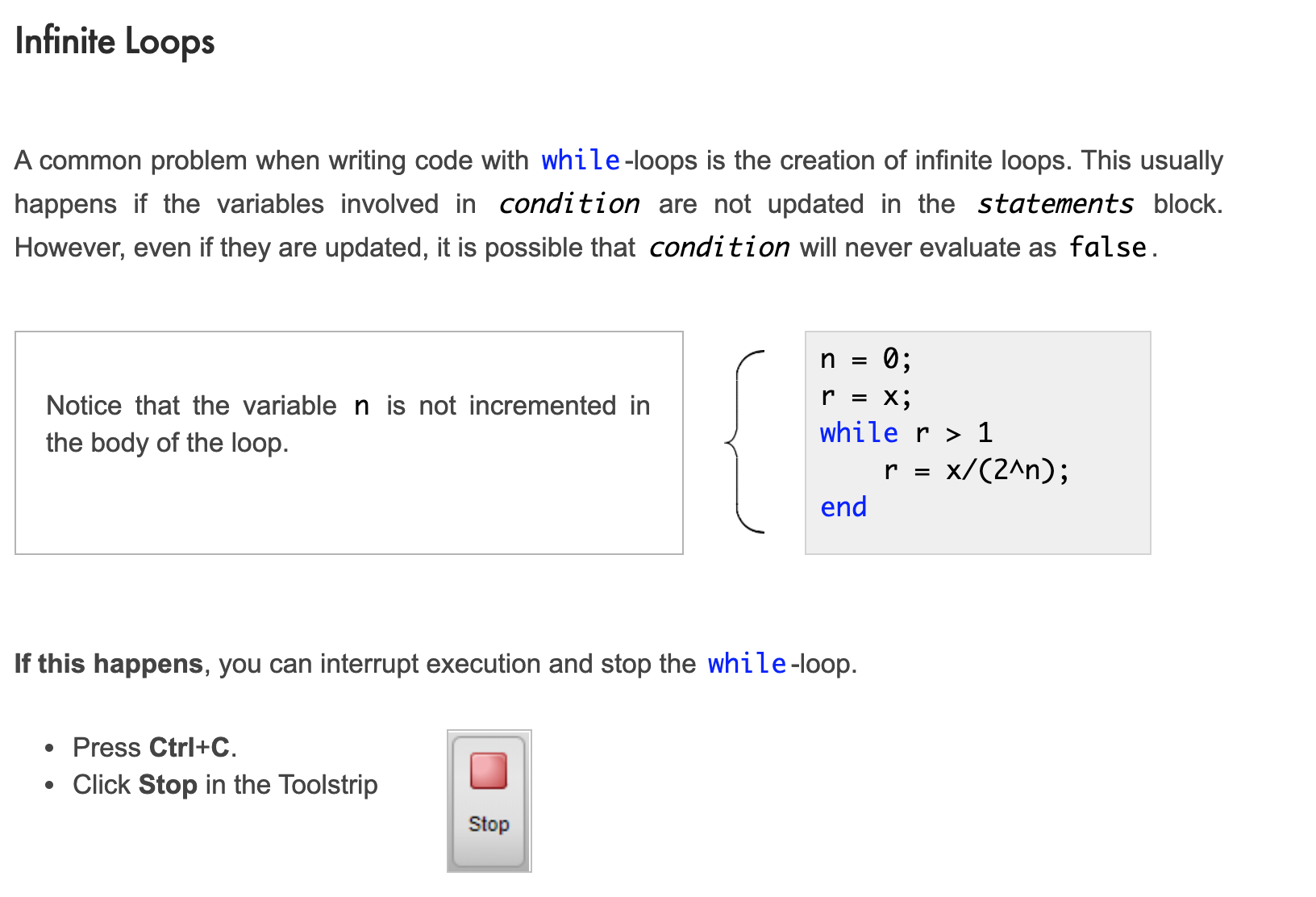
While Loops
To use a for loop, you need to know in advance how many iterations are required. If you want to execute a block of code repeatedly until a result is achieved, you can use a while-loop.
Slide: The while-Loop Construction

Exercise: Finding eps
Creating and Calling Functions
Slide: Creating and Calling Functions
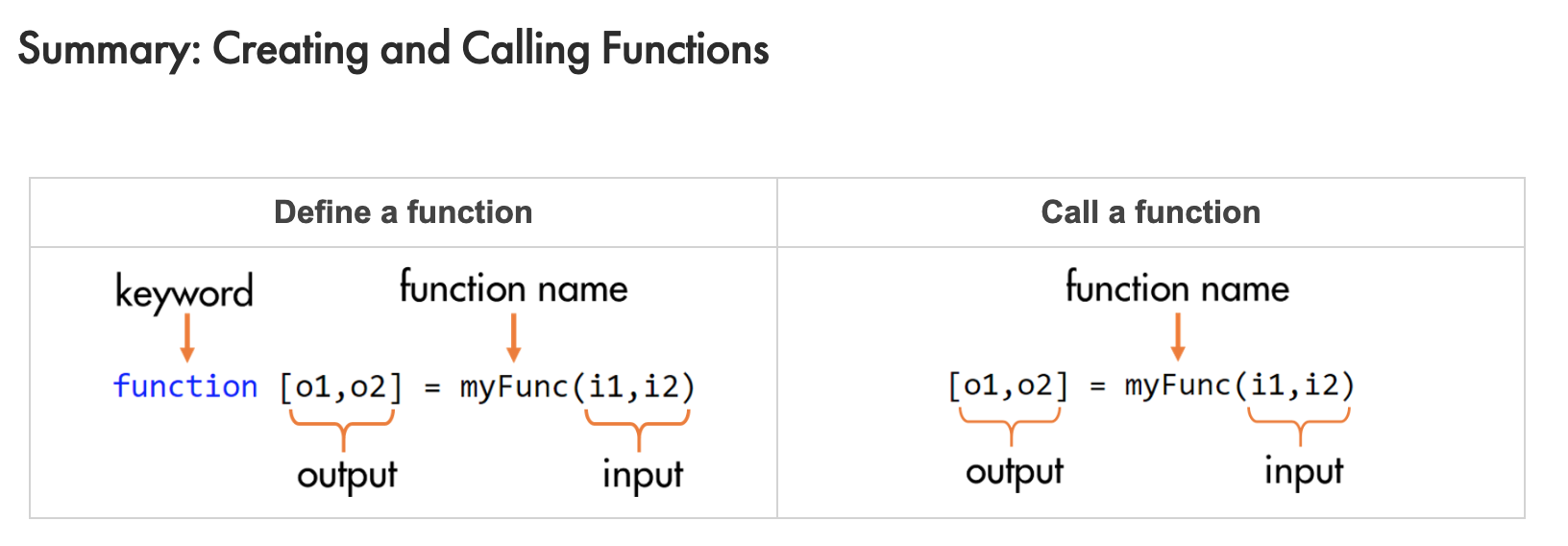
Exercise: Create and Call a Function
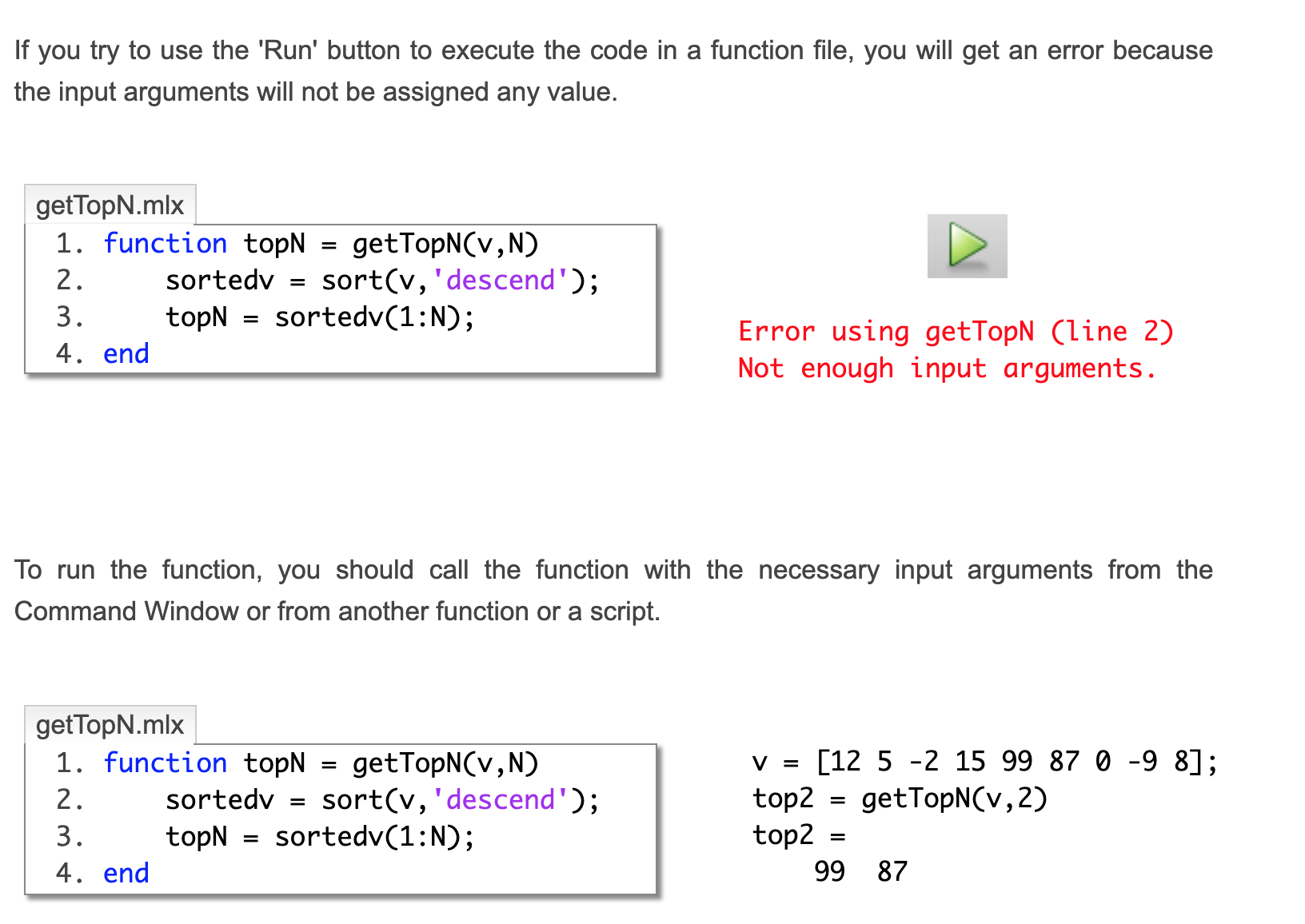
Slide: Creating Functions Files
Calling Function Files
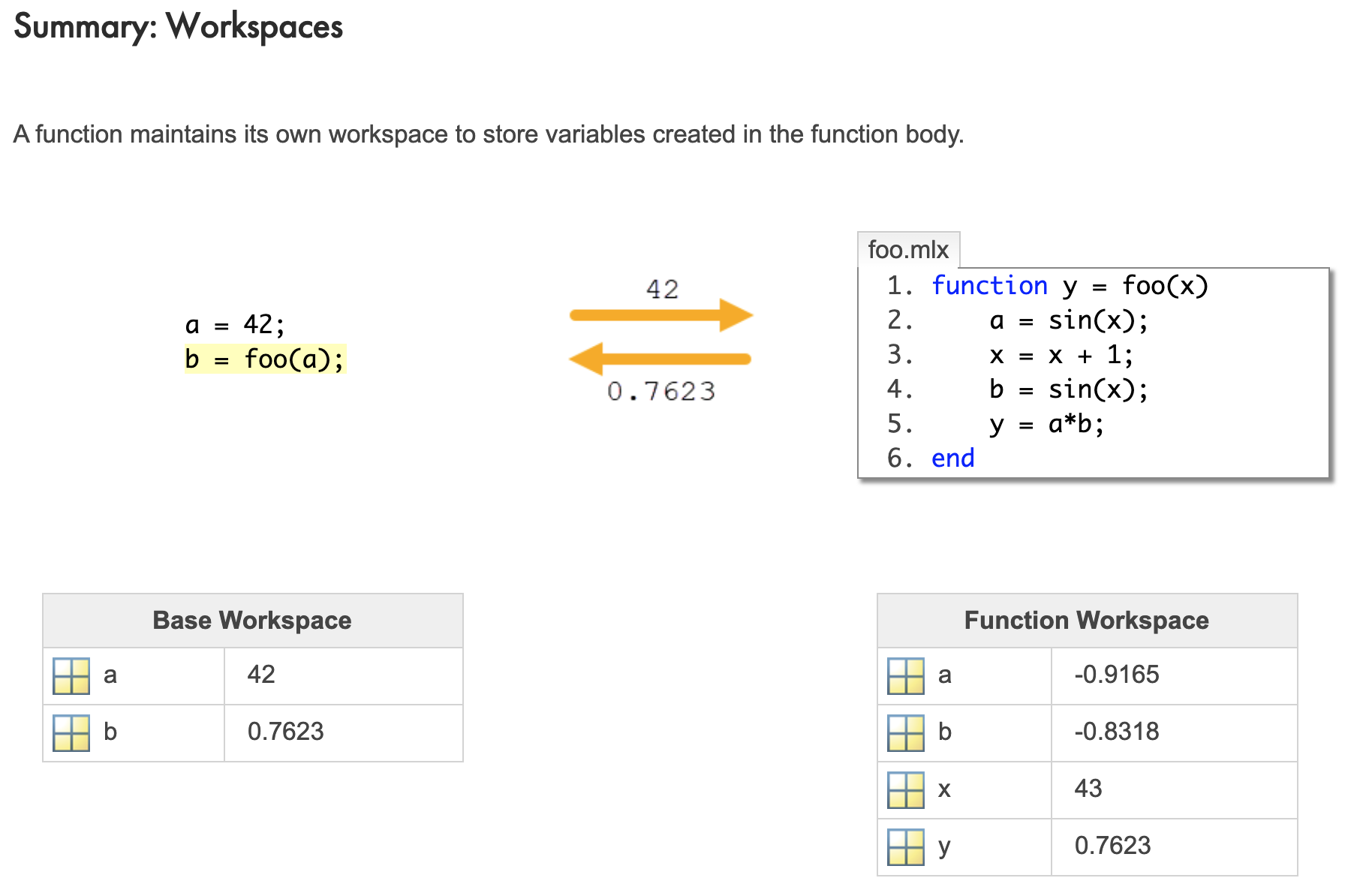
Exercise: Compare Using a Tolerance
Storing Heterogeneous Data
Matlab Data Types
Exercise: Creating Variables of a Specific Data Type
Table Basics
Exercise: Create a Table from Workspace Variables
Extracting Data from a Table
Exercise: Extracting Data from a Table: Dot Notation
Exercise: Extracting Data from a Table: Curly Braces
Cell Array Basics
Exercise: Creating and Concatenating Cell Arrays
Exercise: Cell Array Extraction
Structures
Exercise: Create a Structure and Access Fields
Exercise: Create a Structure Array
Structuring Heterogeneous Data
Structuring Data Considerations
Slide: Structuring Data Considerations
Extracting Multiple Elements from Cell and Structure arrays
Exercise: Multiple Elements from a Cell Array
Exercise: Multiple Elements from a Structure Array
Function Handles
Applying Scalar Functions to Arrays
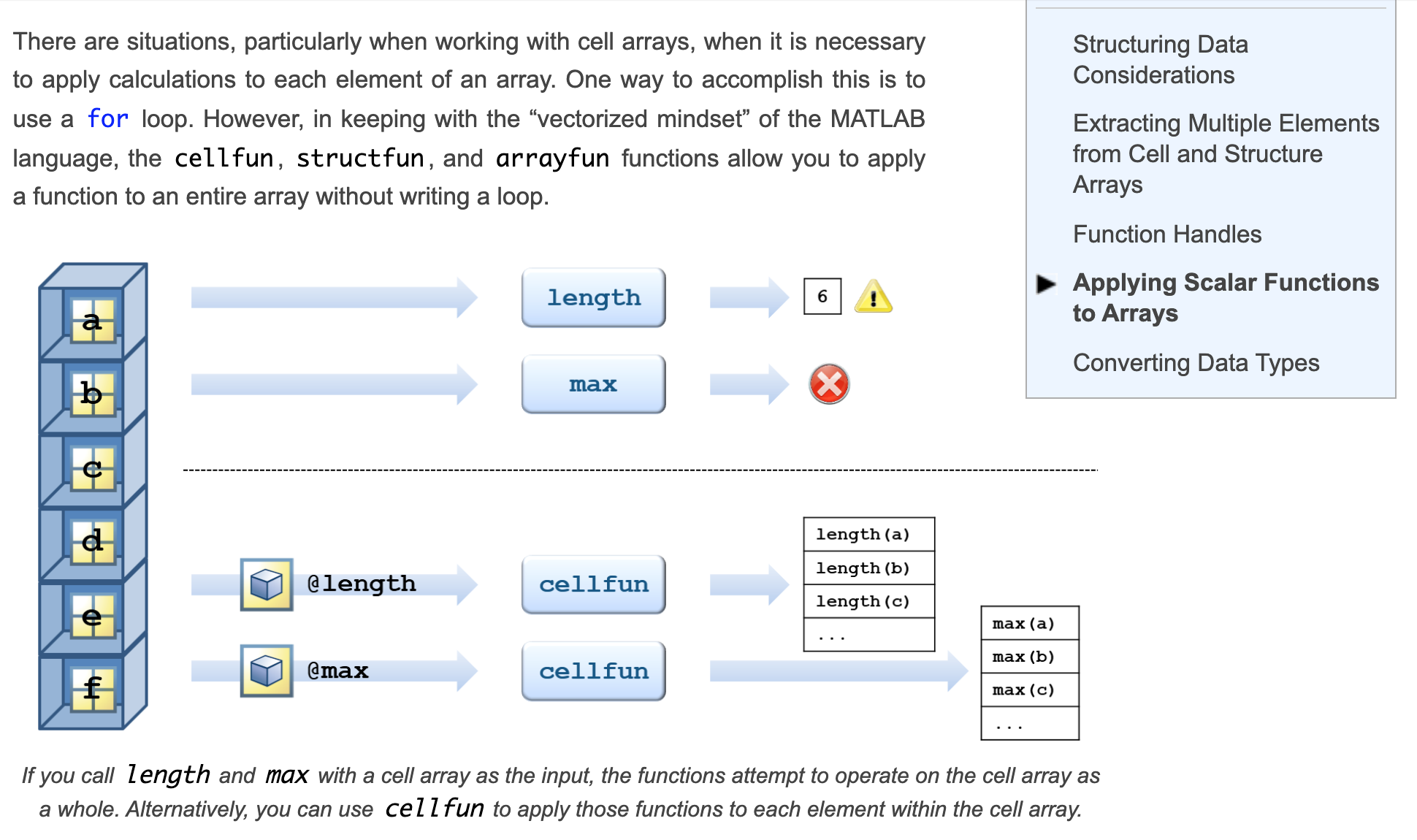
Video: Applying Scalar Functions to Arrays
Exercise: Applying Functions to Groups
Converting Data Types
Exercise: Numeric to Cell Array
Managing Data Efficiently
Slide: Preallocating Numeric, Cell, and Structure Arrays
Exercise: Preallocation Experiment
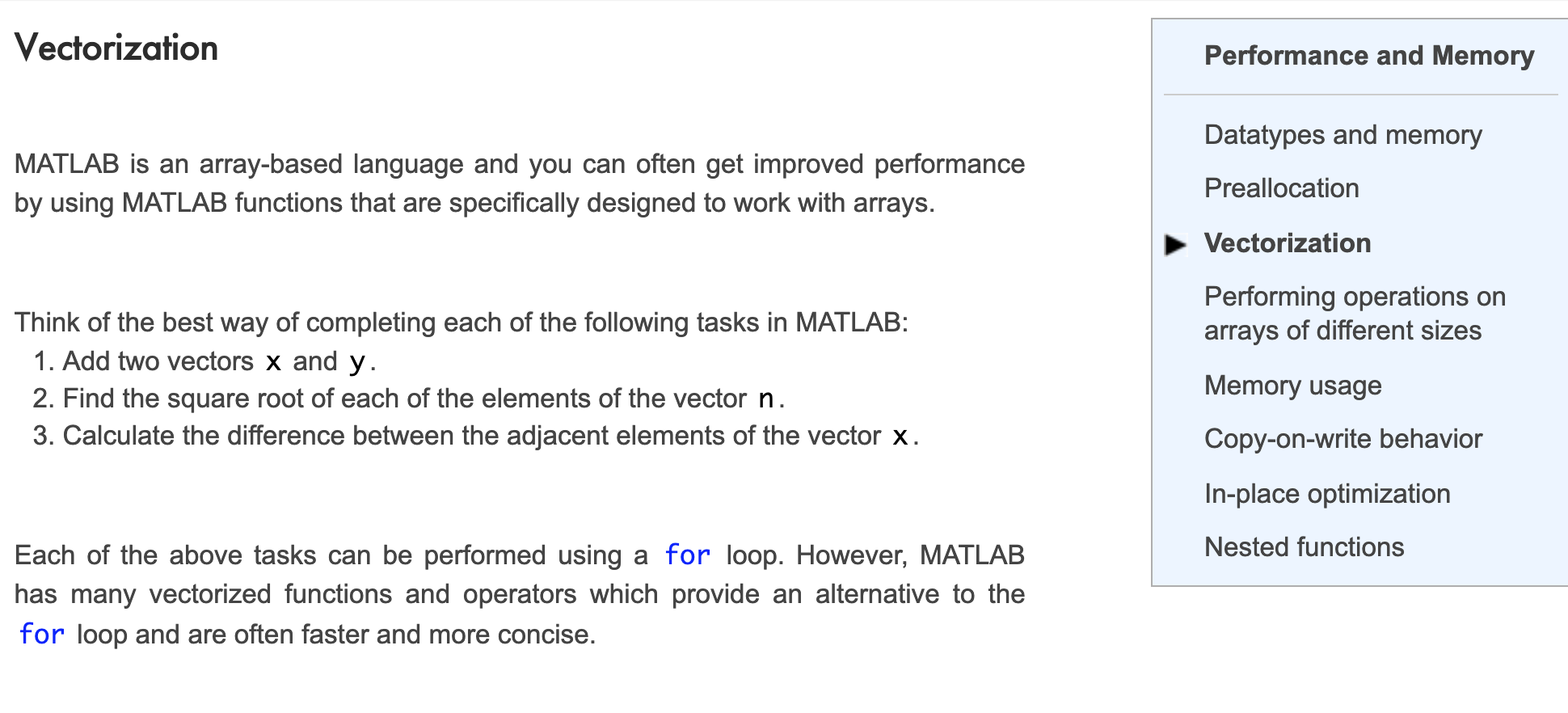
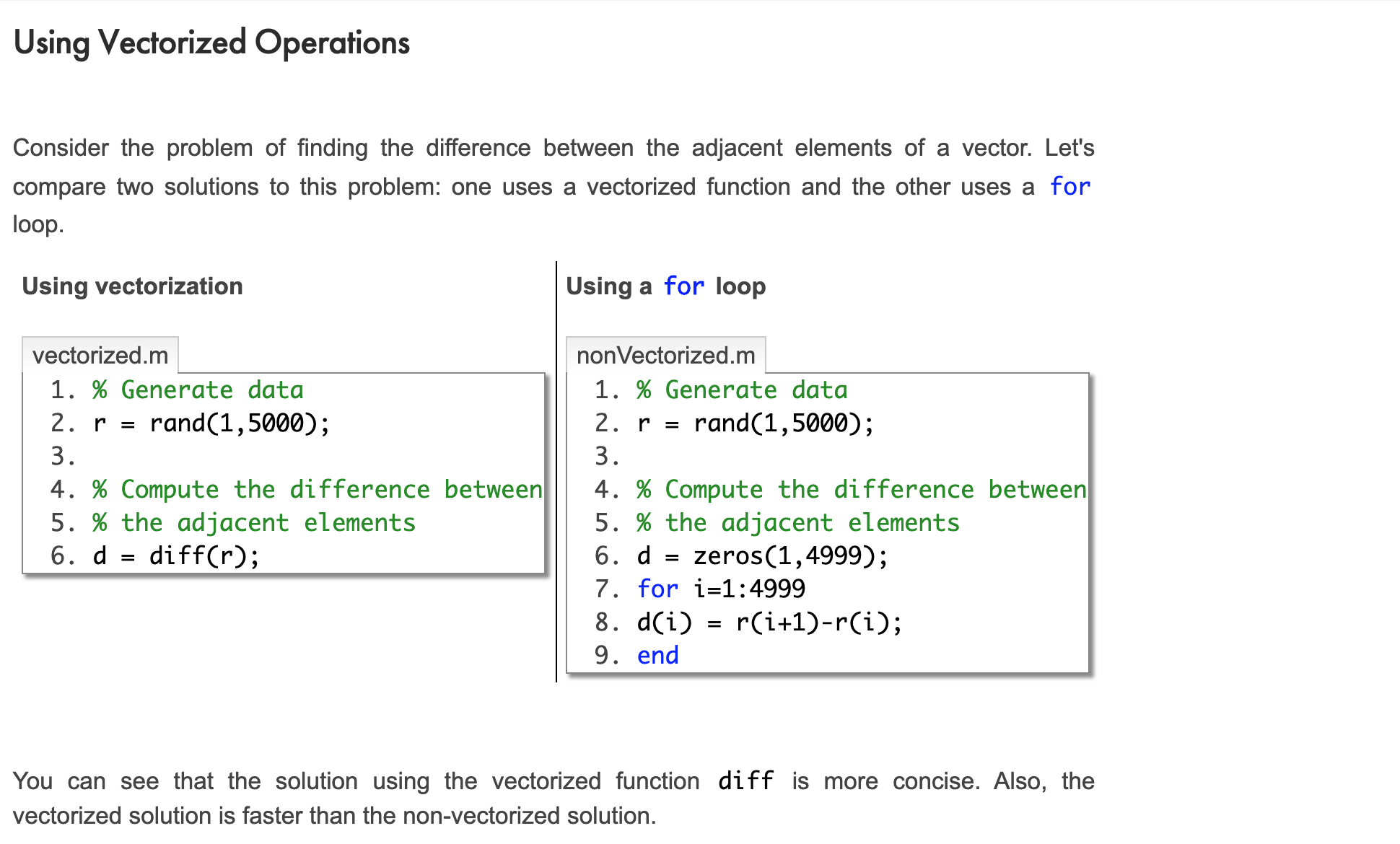
Vectorization
Copy-on-write with Function Parameters
In-place Optimizations
Nested Functions
Exercise: Create a Nested Functions
Creating Flexible functions
Video: Creating Flexible Function Interfaces
Creating Multiple Interfaces with Wrapper Functions
Slide: Separating the Interface from the Algorithm
Exercise: Create a Wrapper Function with a Fixed Interface
Setting Default Input Values
Slide: Setting Default Input Values
Missing Input Arguments
Slide: Missing Input Arguments
Allowing Any Number of Inputs
Slide: Functions with a Variable Number of Inputs
Slide: Variable Length Input Argument List
Slide: Passing Argument Lists to Another Function
Allowing a Variable Number of outputs
Slide: Defining Different Behaviors Based on Outputs
Exercise: Matrix or Vector Output
Changing the Function Interface with Anonymous Functions
Slide: Modifying Function Interfaces
Slide: Wrapping Functions with Anonymous Functions
Exercise: Write and Use an Anonymous Function
Slide: Common Function Handle Uses
Exercise: Change Function Interface with an Anonymous Function
Creating Robust Applications
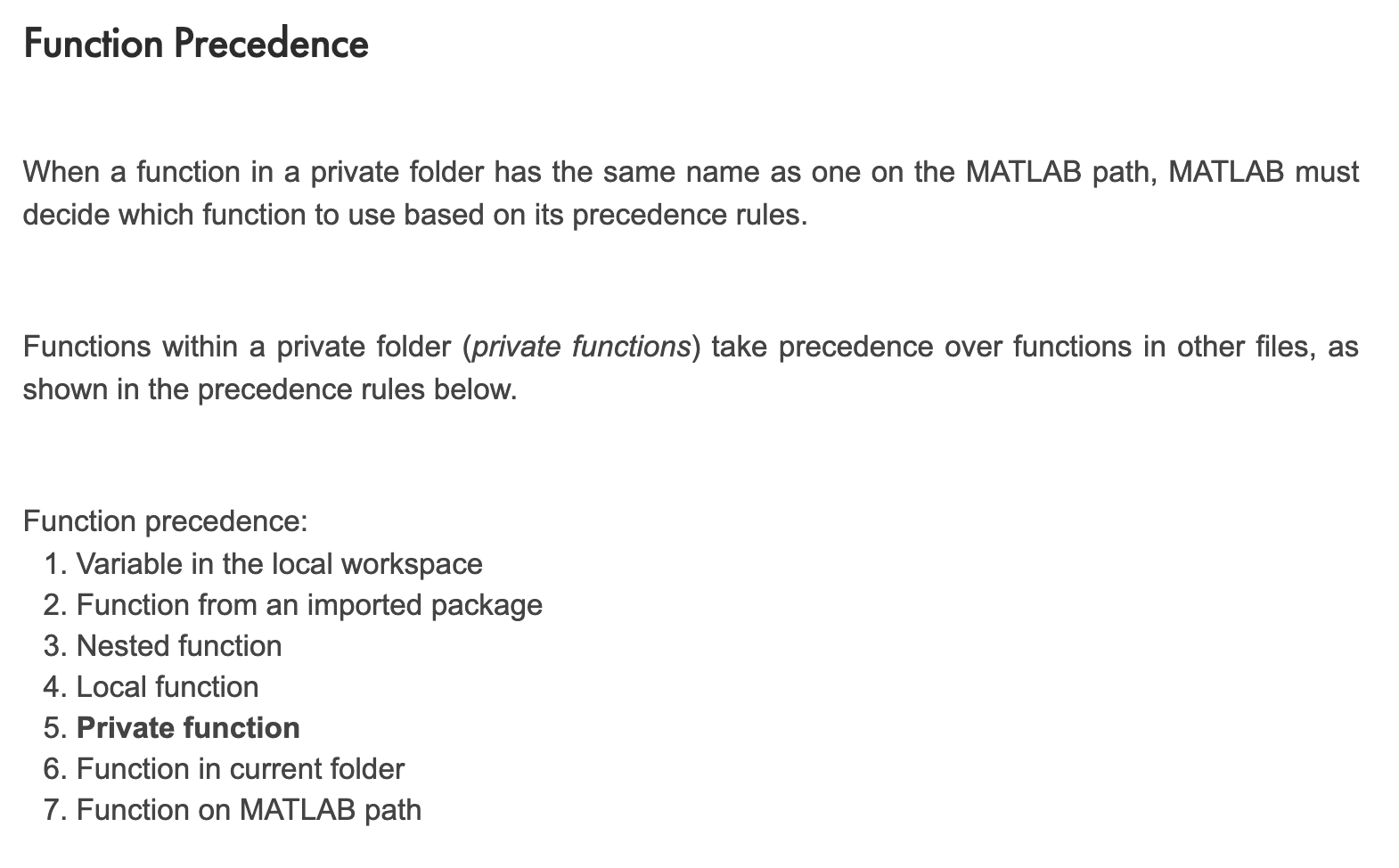
Restricting Access Using Private Functions
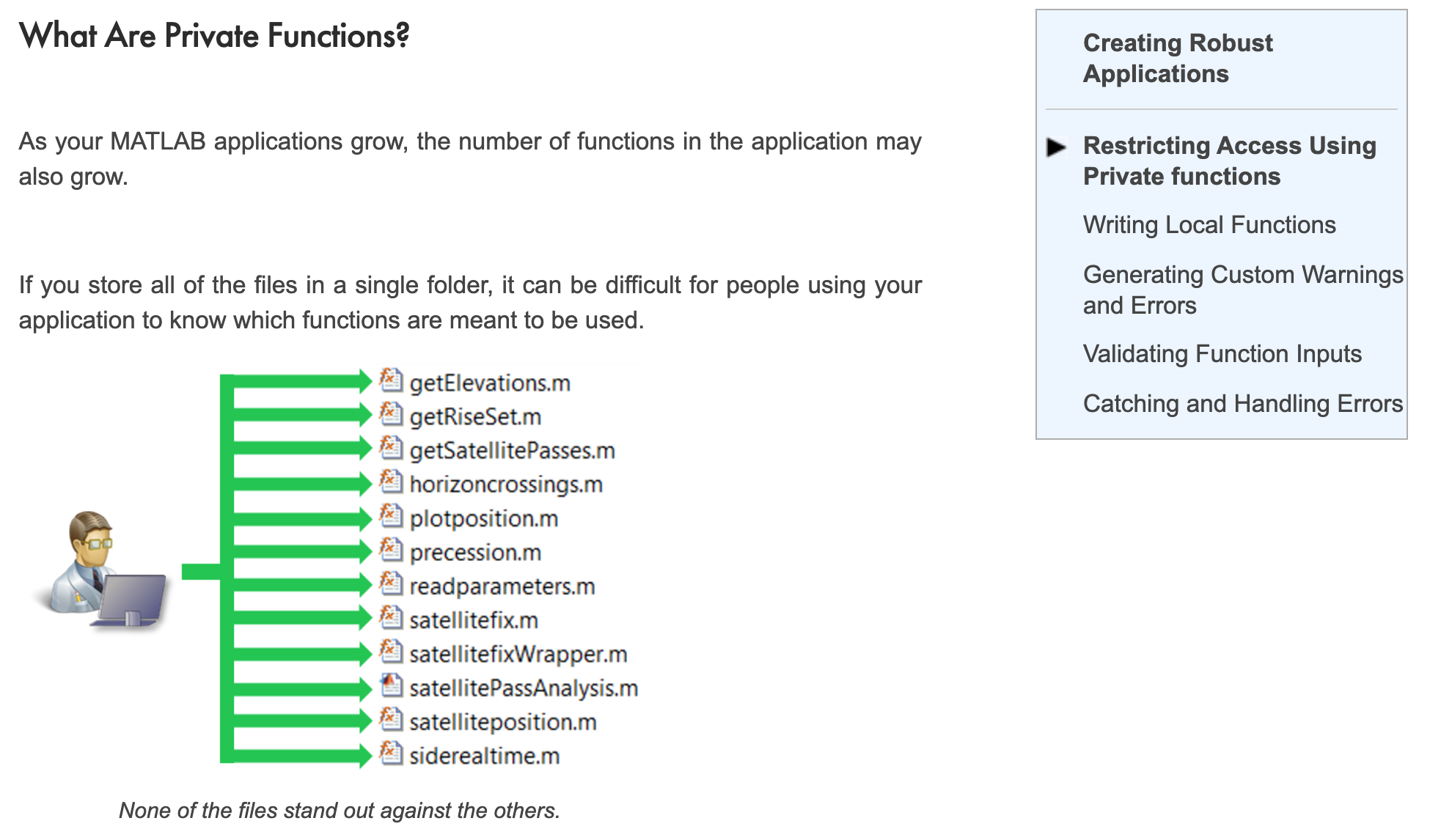
Slide: Making Functions Private
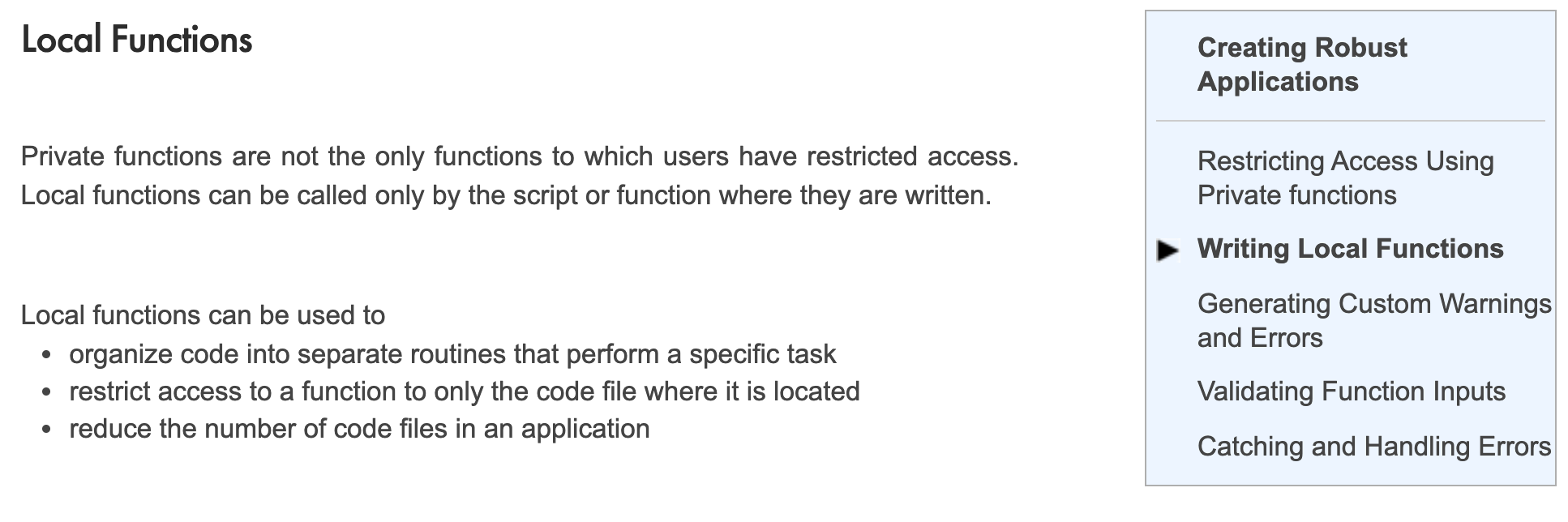
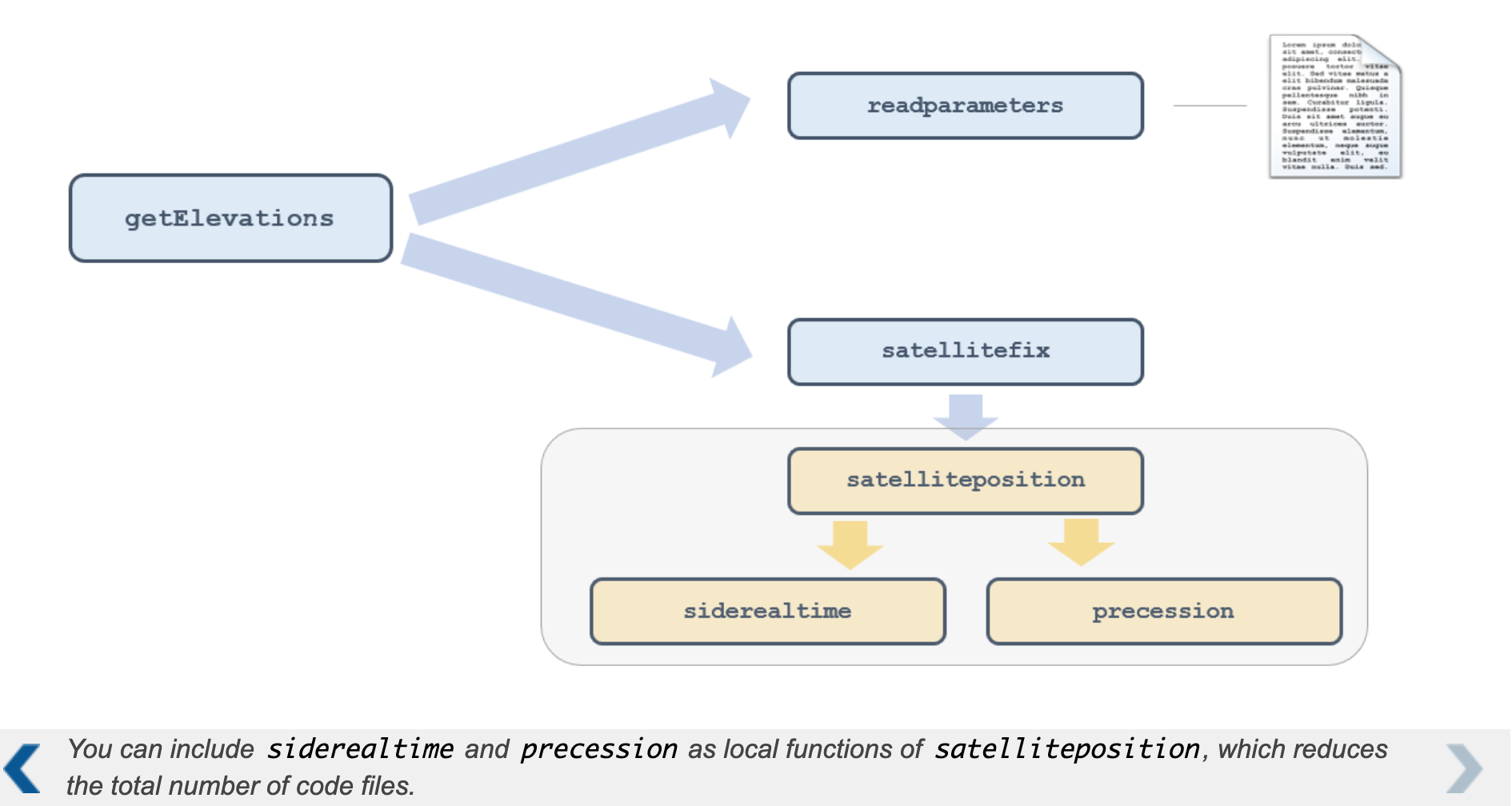
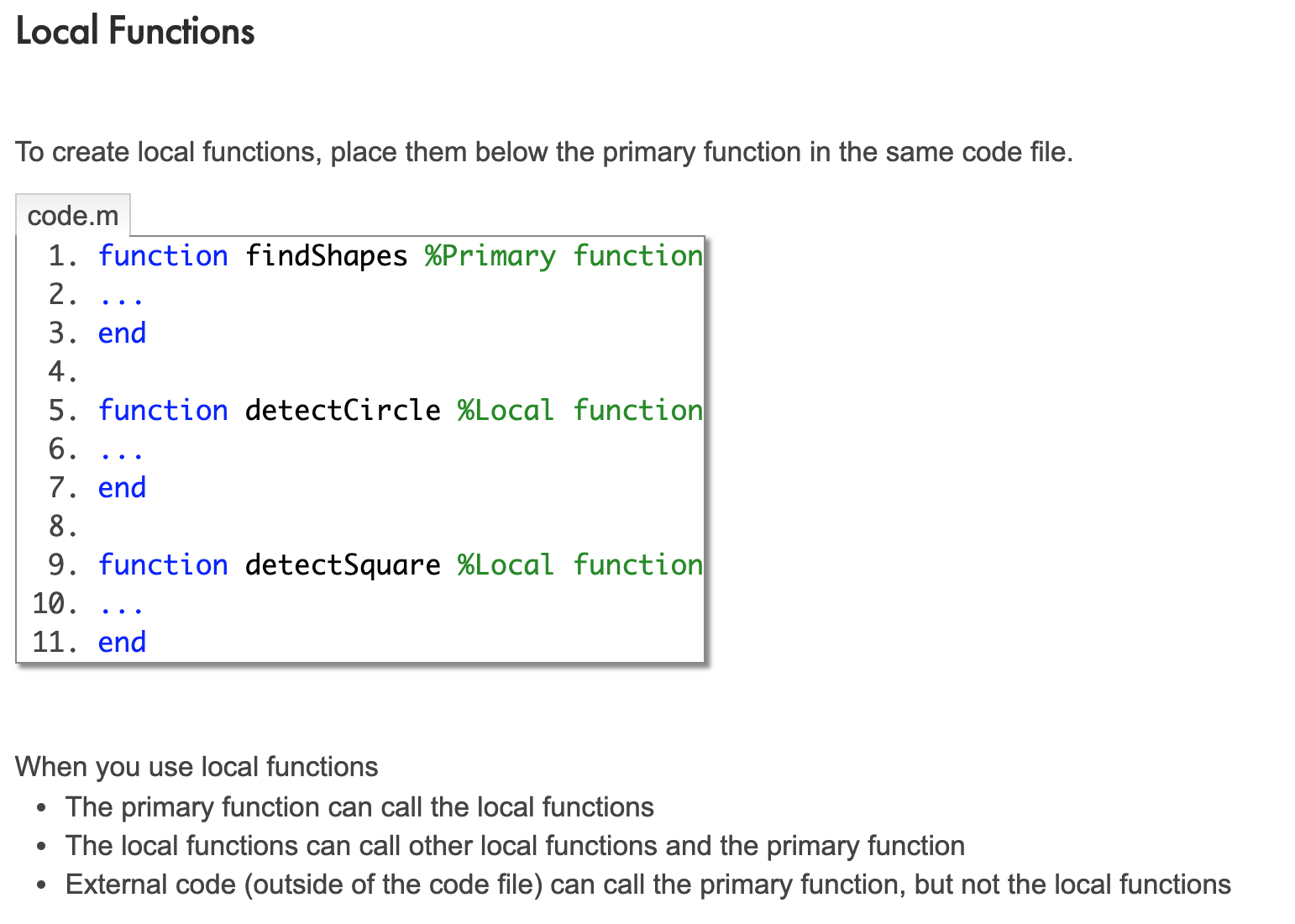
Writing Local Functions
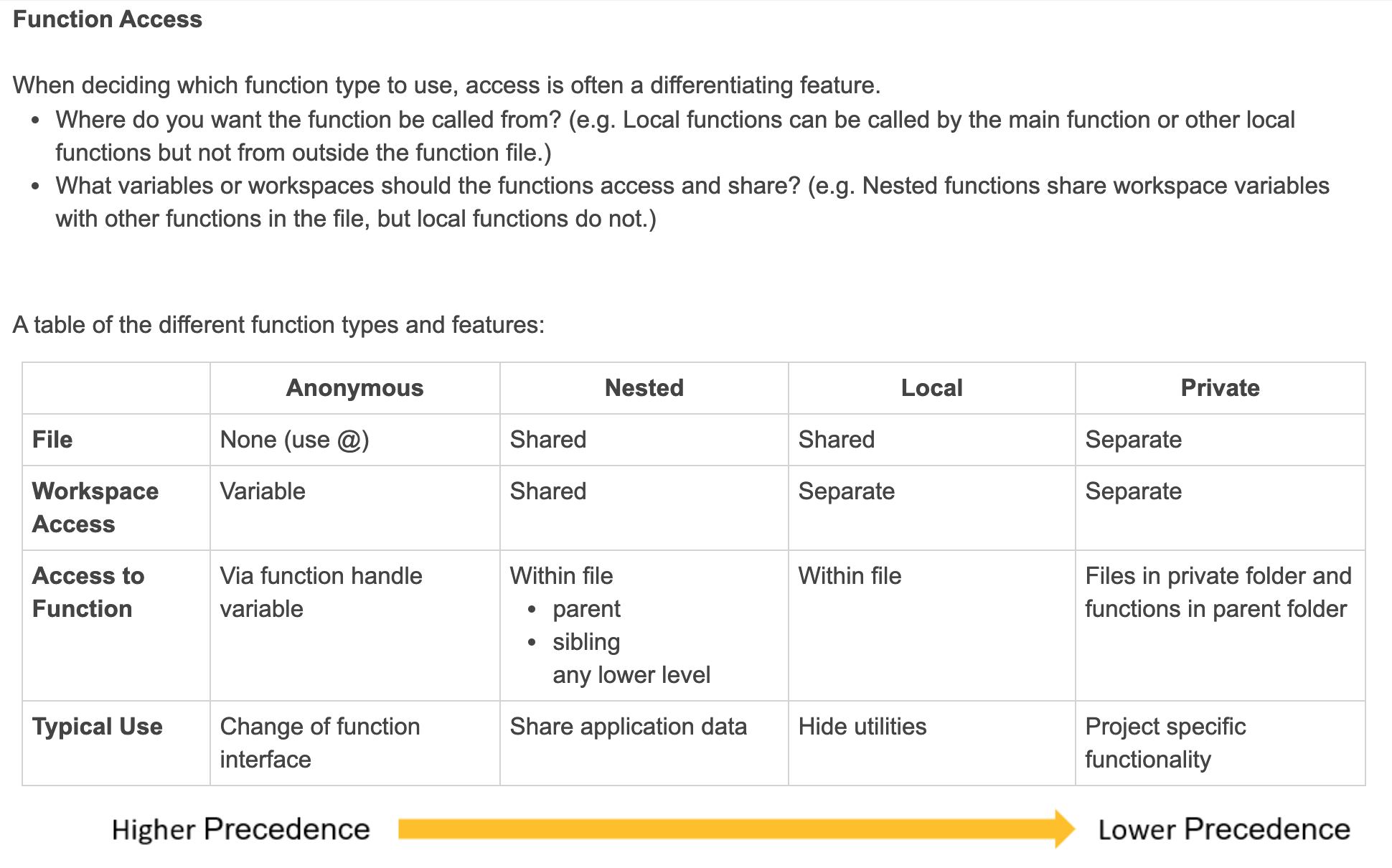
Comparison of Functions
Exercise: Create Local Functions
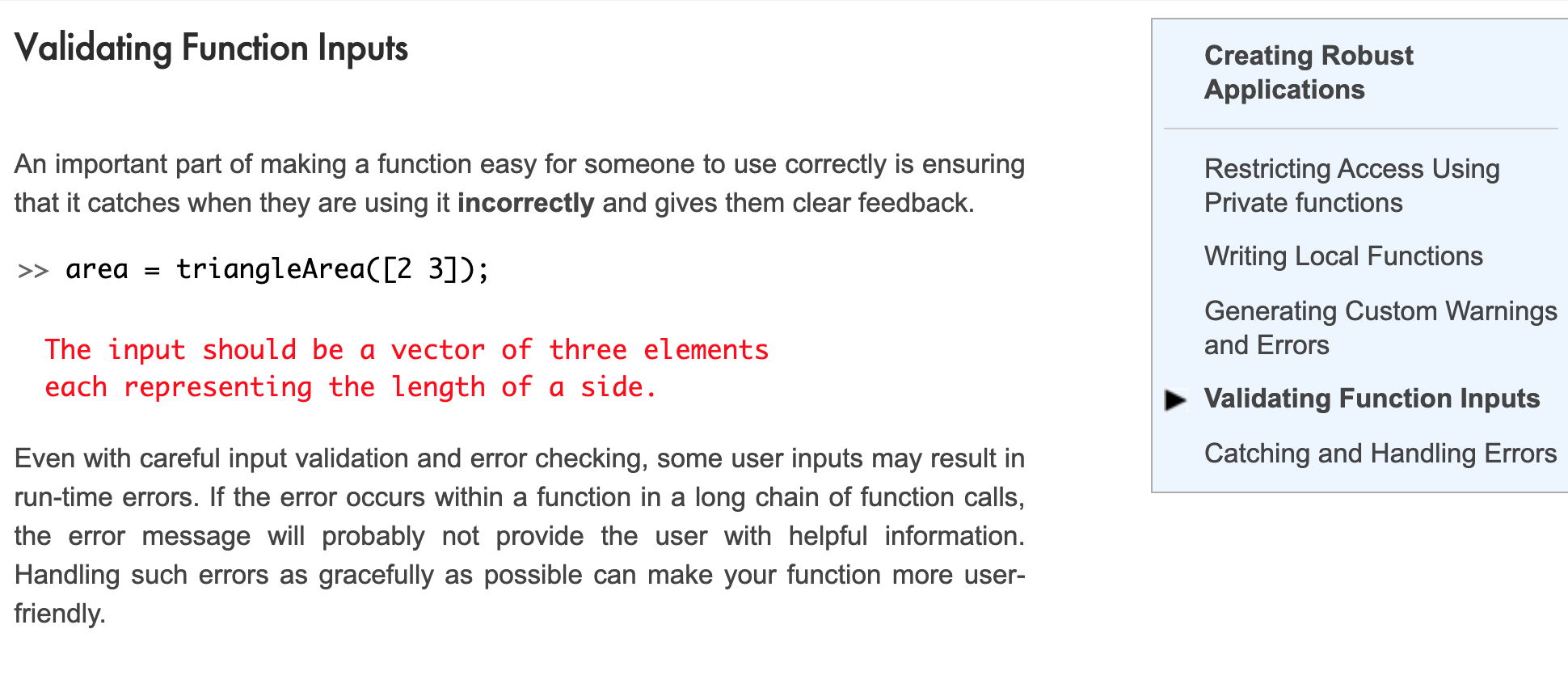
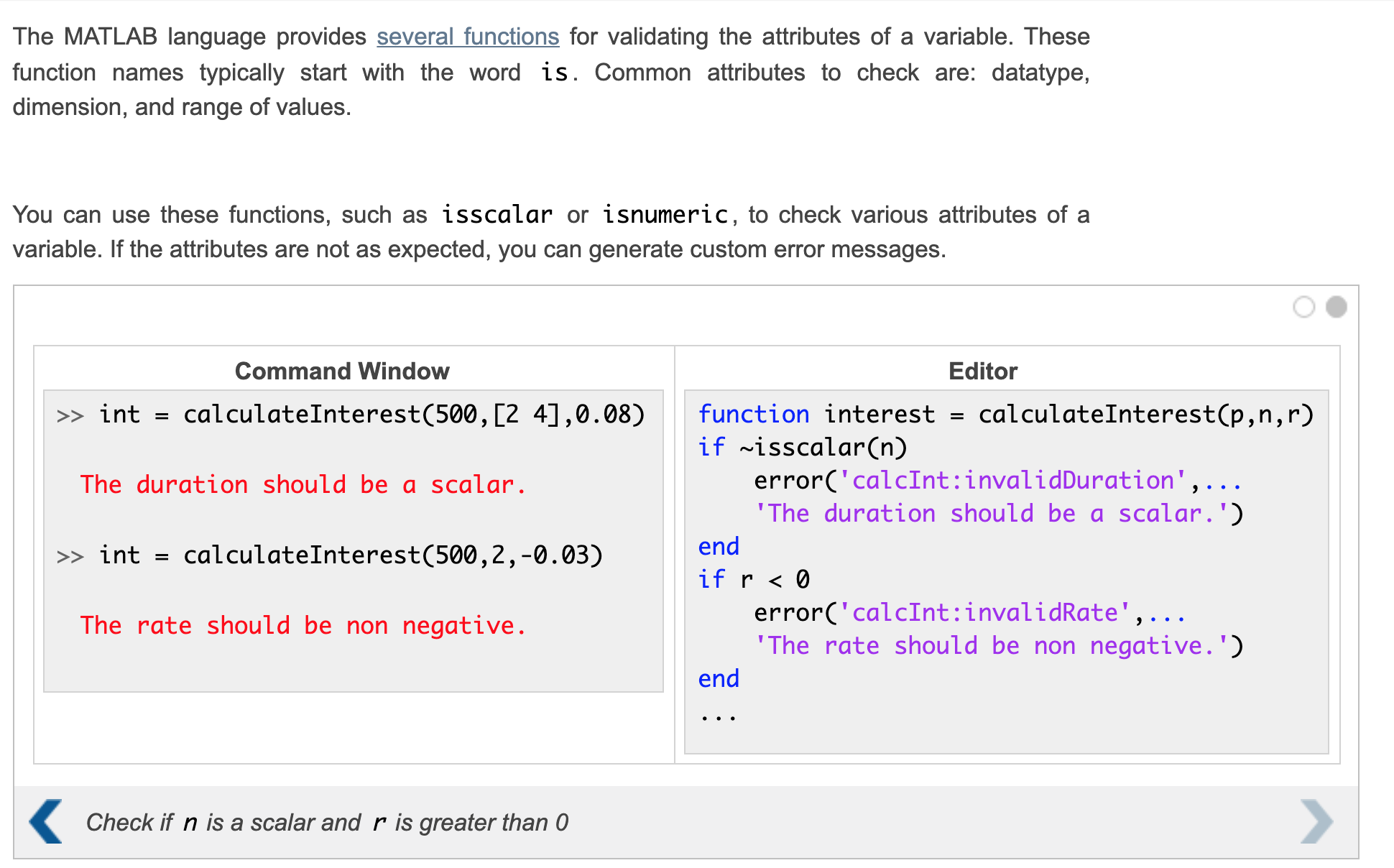
Validating Function Inputs
Verifying Application Behavior
Why Use a Testing Framework?
Video: Why Use a Testing Framework
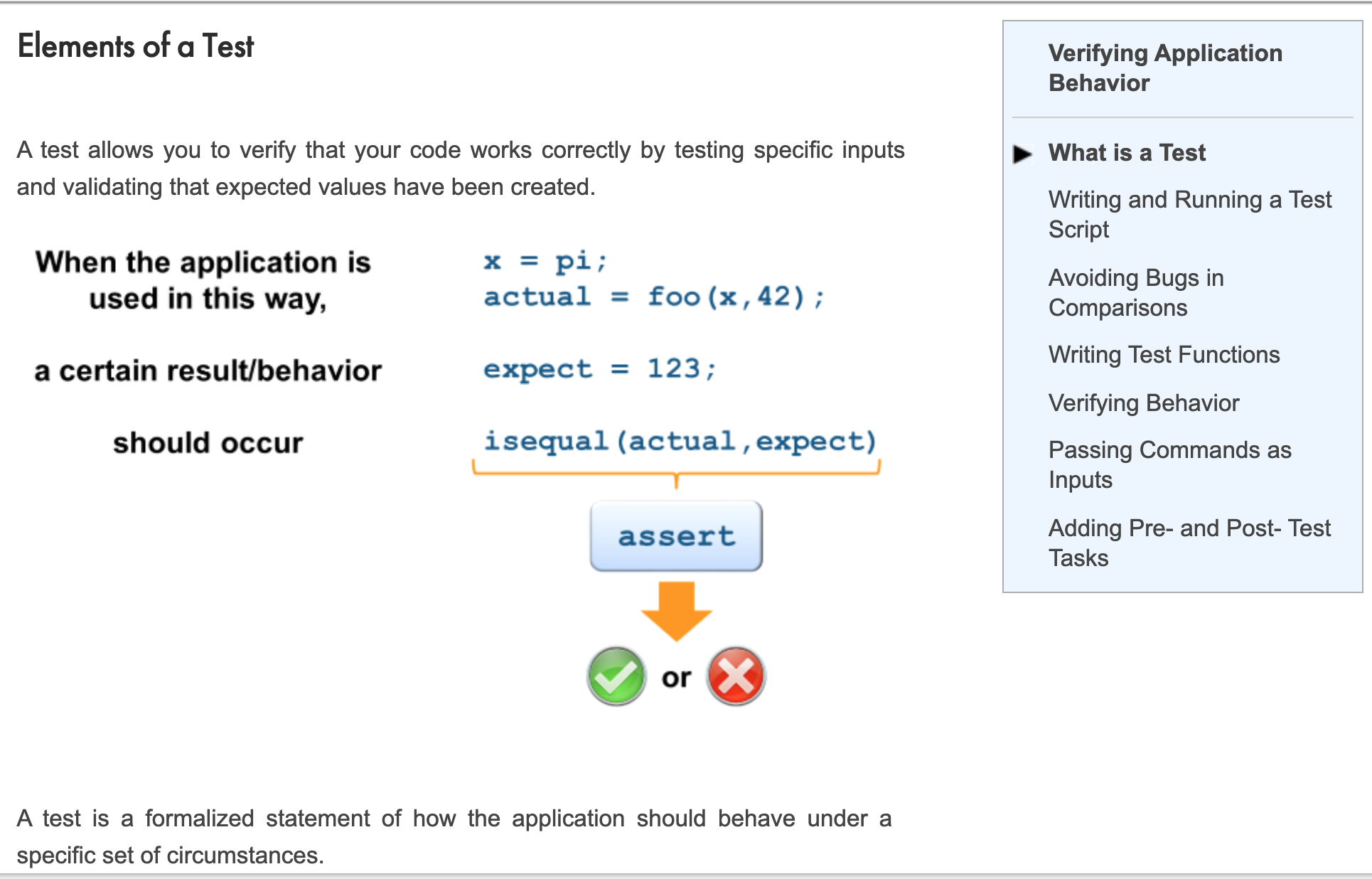
What is a Test
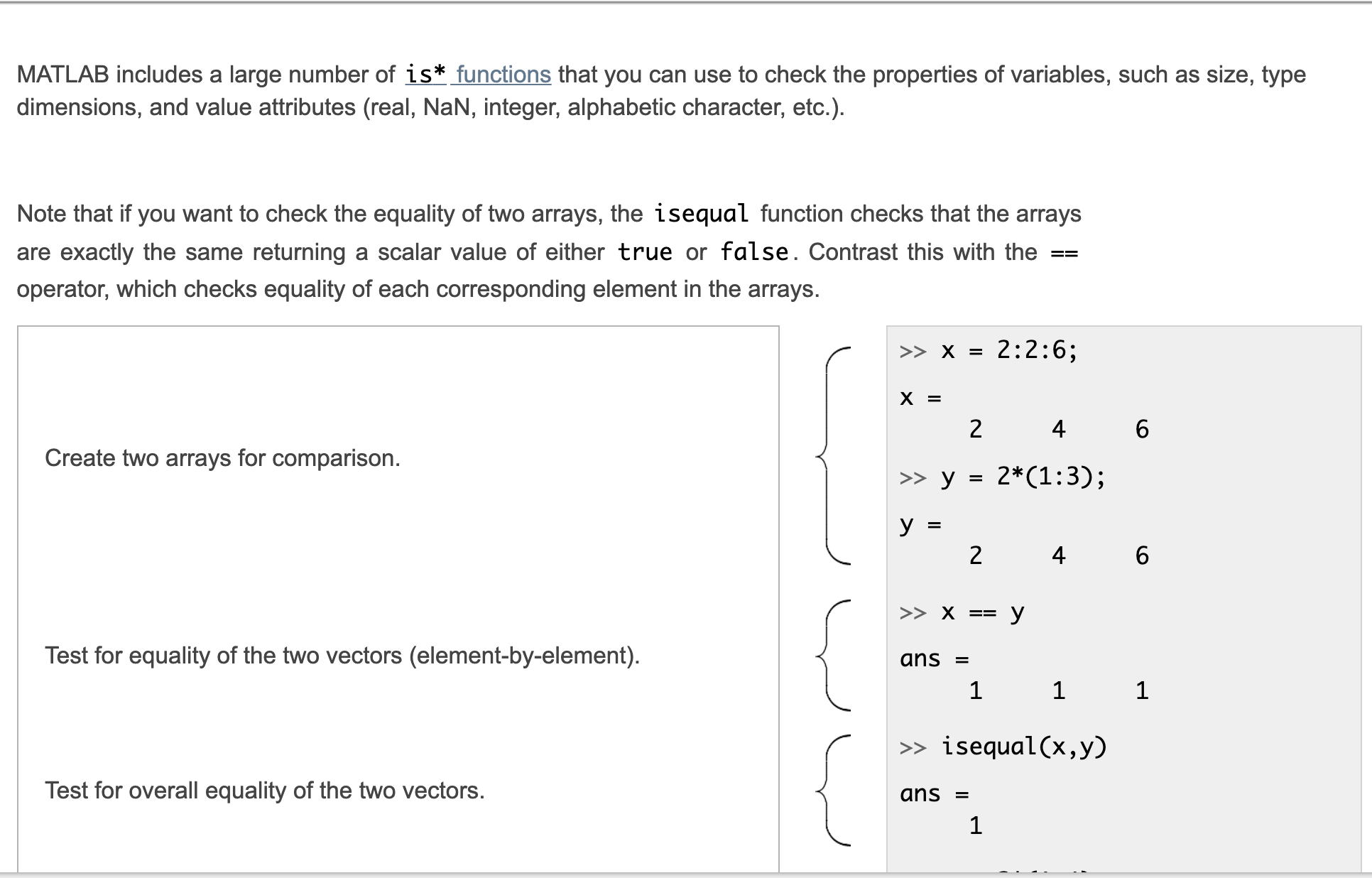
“is” Functions
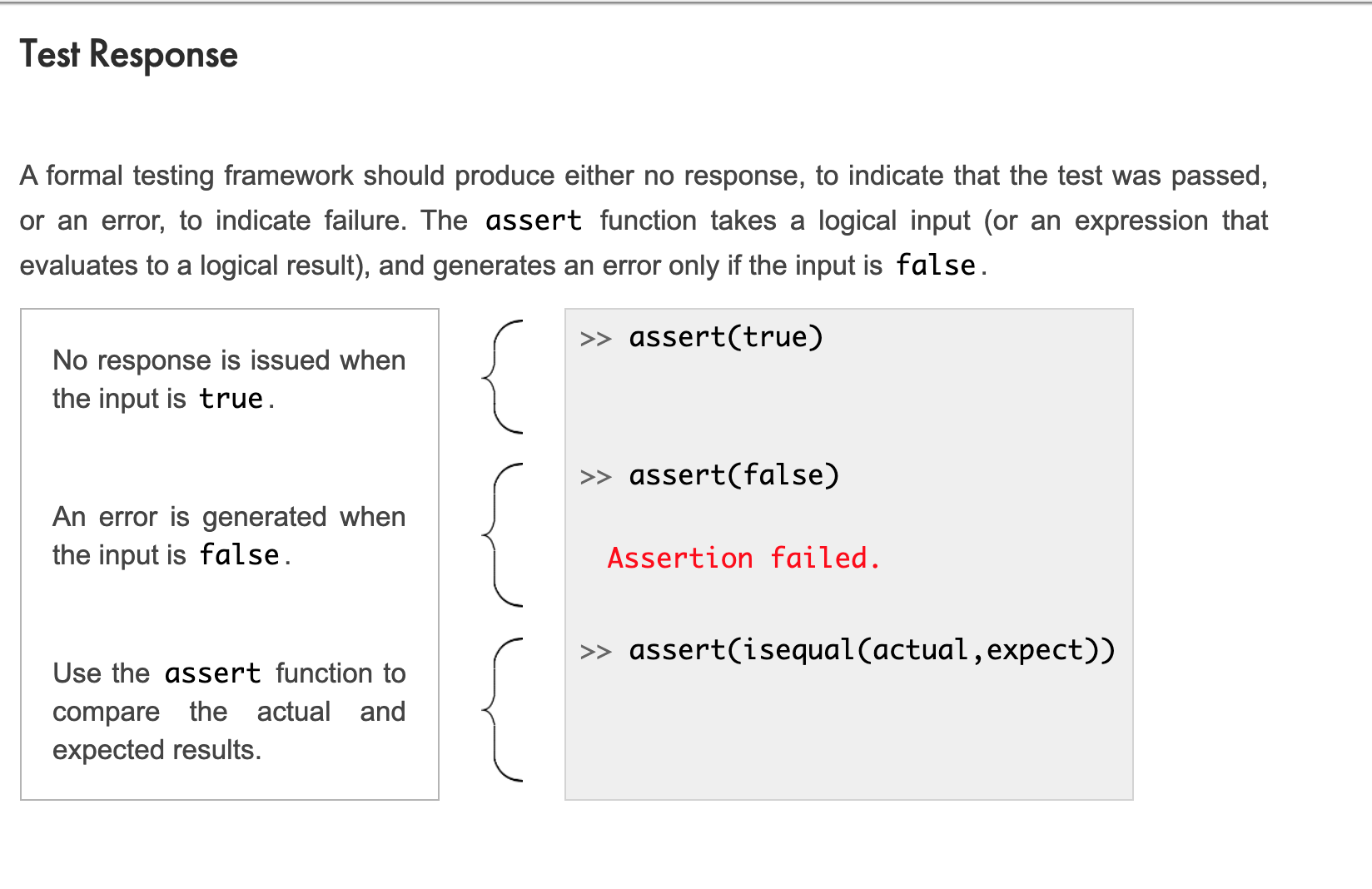
Test Response
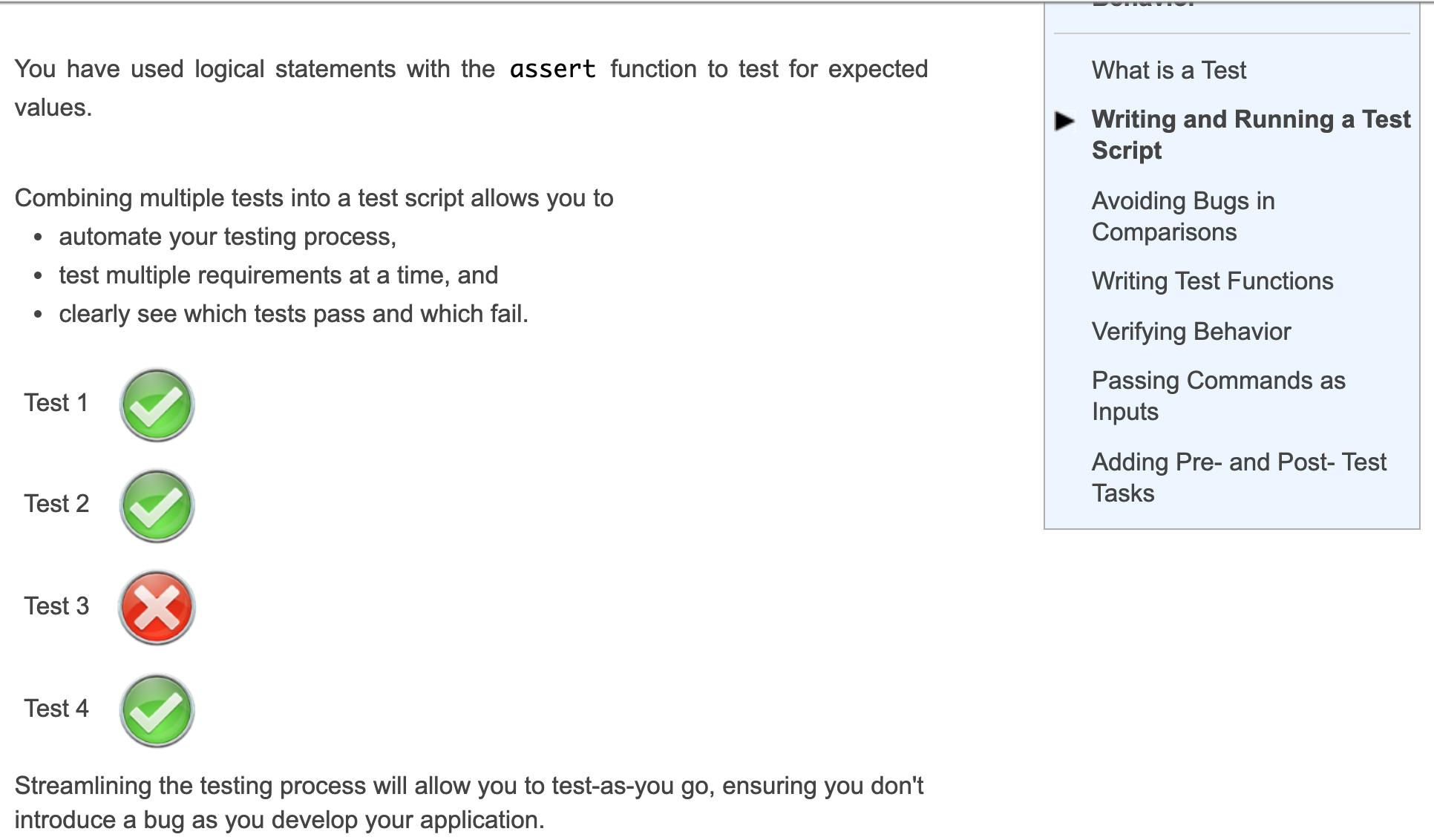
Writing and Running a Test Script
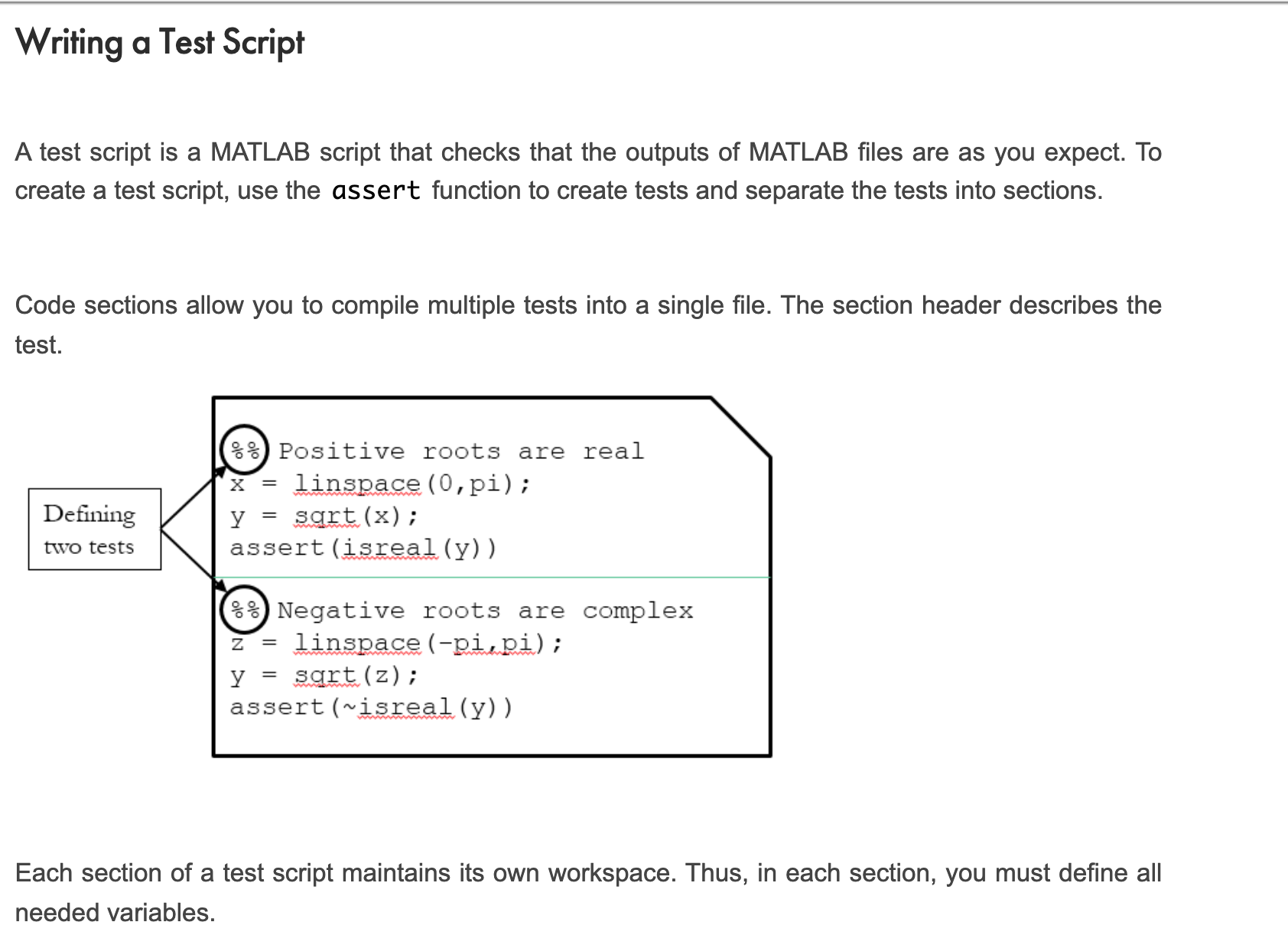
Writing a Test Script
Running a Test Script
Utilizing Development Tools
Developing and Maintaining Code
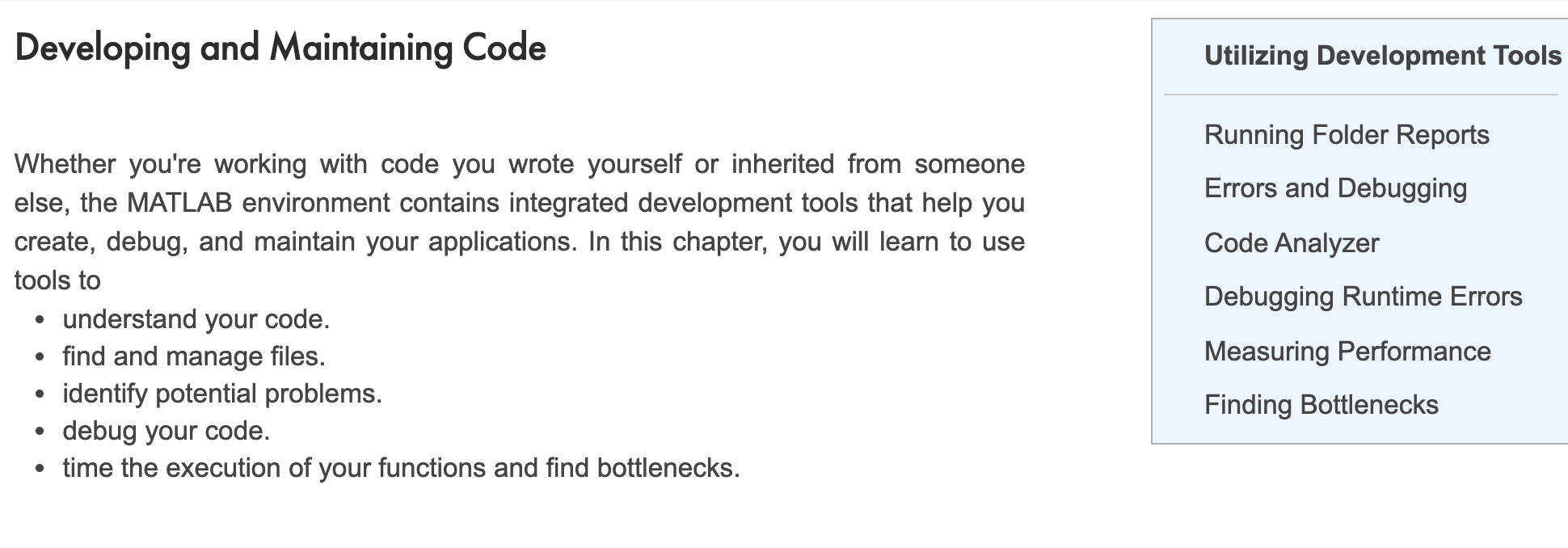
Folder Reports
Errors and Debugging
Video: Different Kinds of Errors
Code Analyzer
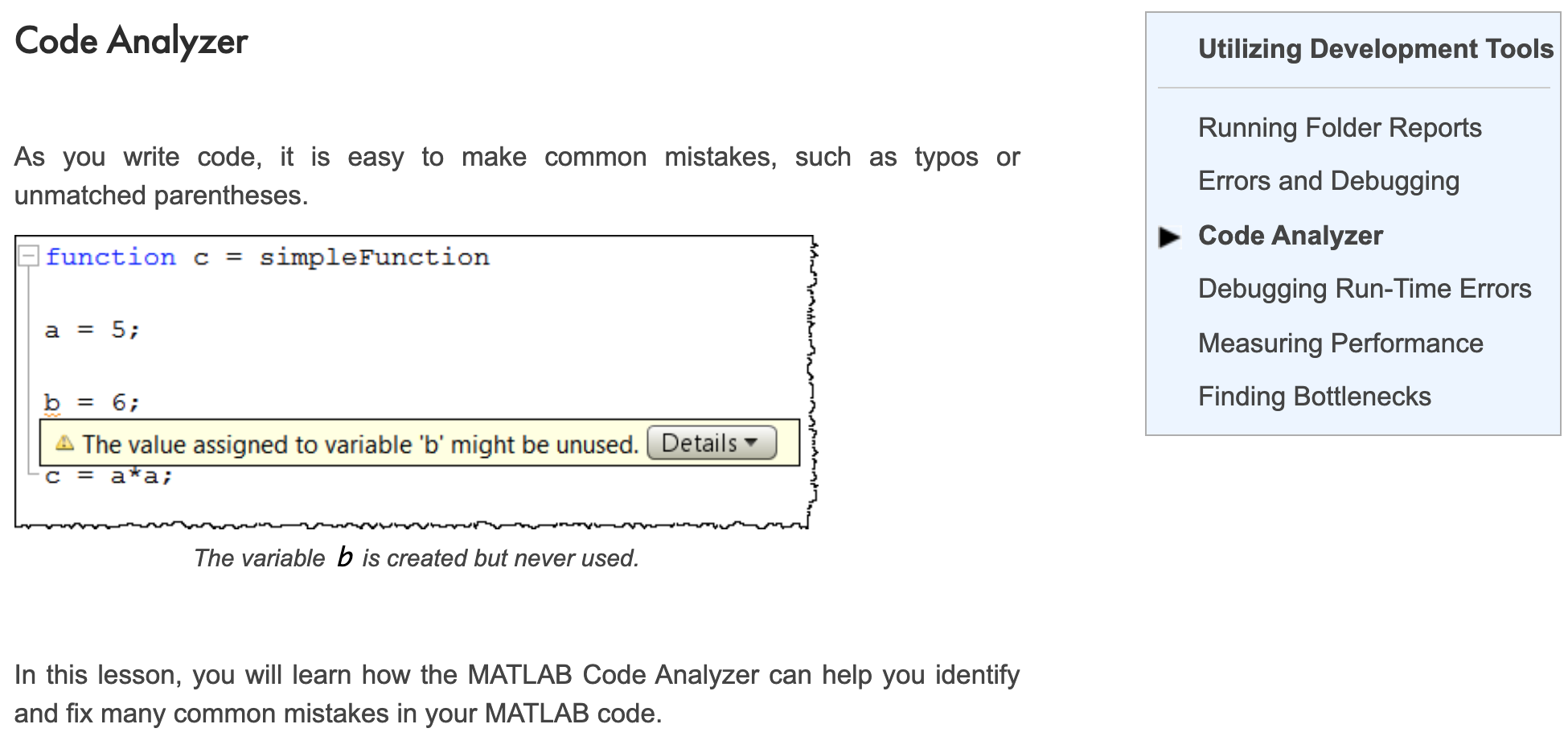
Slide: Suppressing and Fixing Code Analyzer Warnings
Exercise: Remove Code Analyzer Warnings
Debugging Runtime Errors
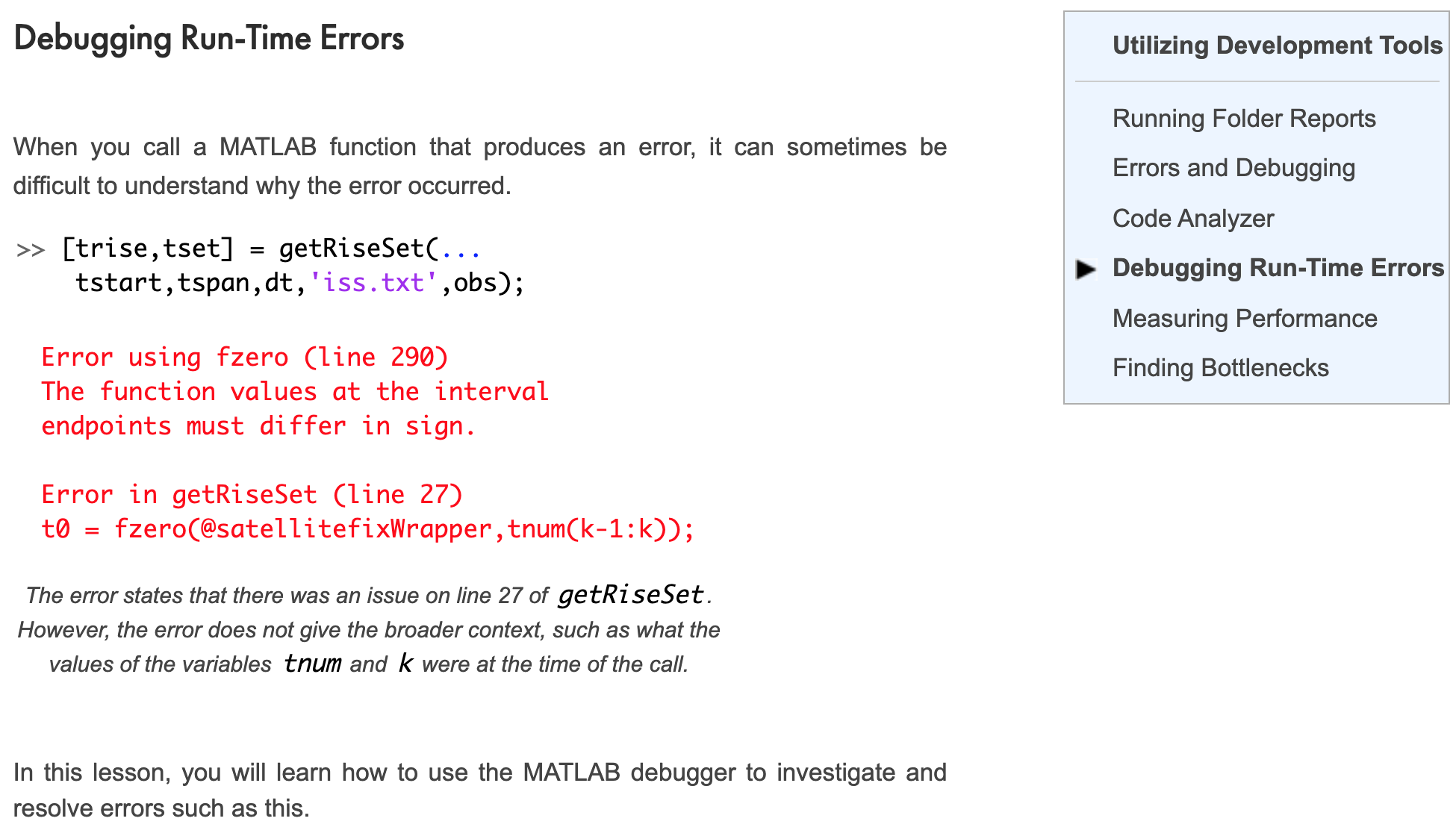
Slide: Debugging Run-Time Errors
Measuring Performance
Finding Bottlenecks