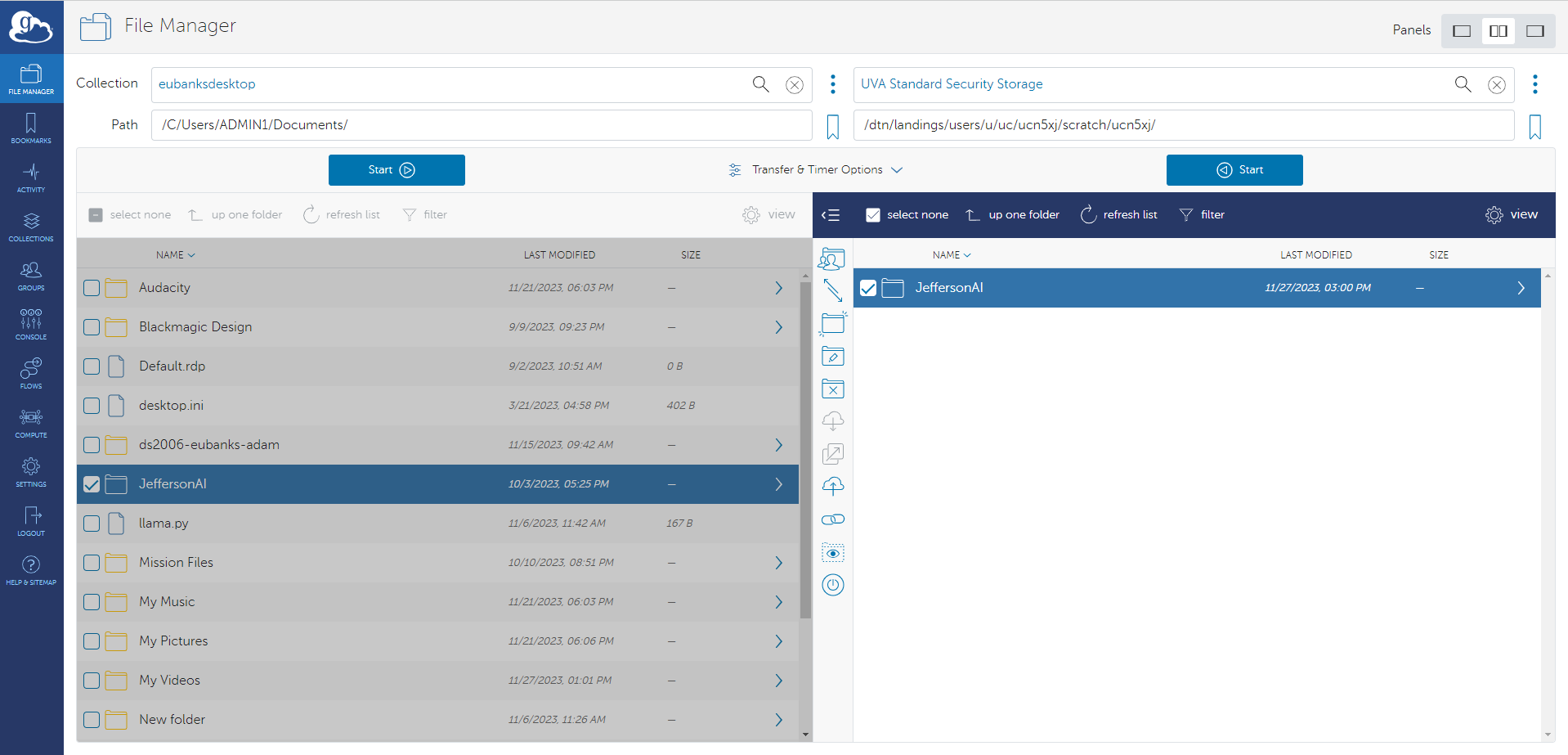
Start the Transfer
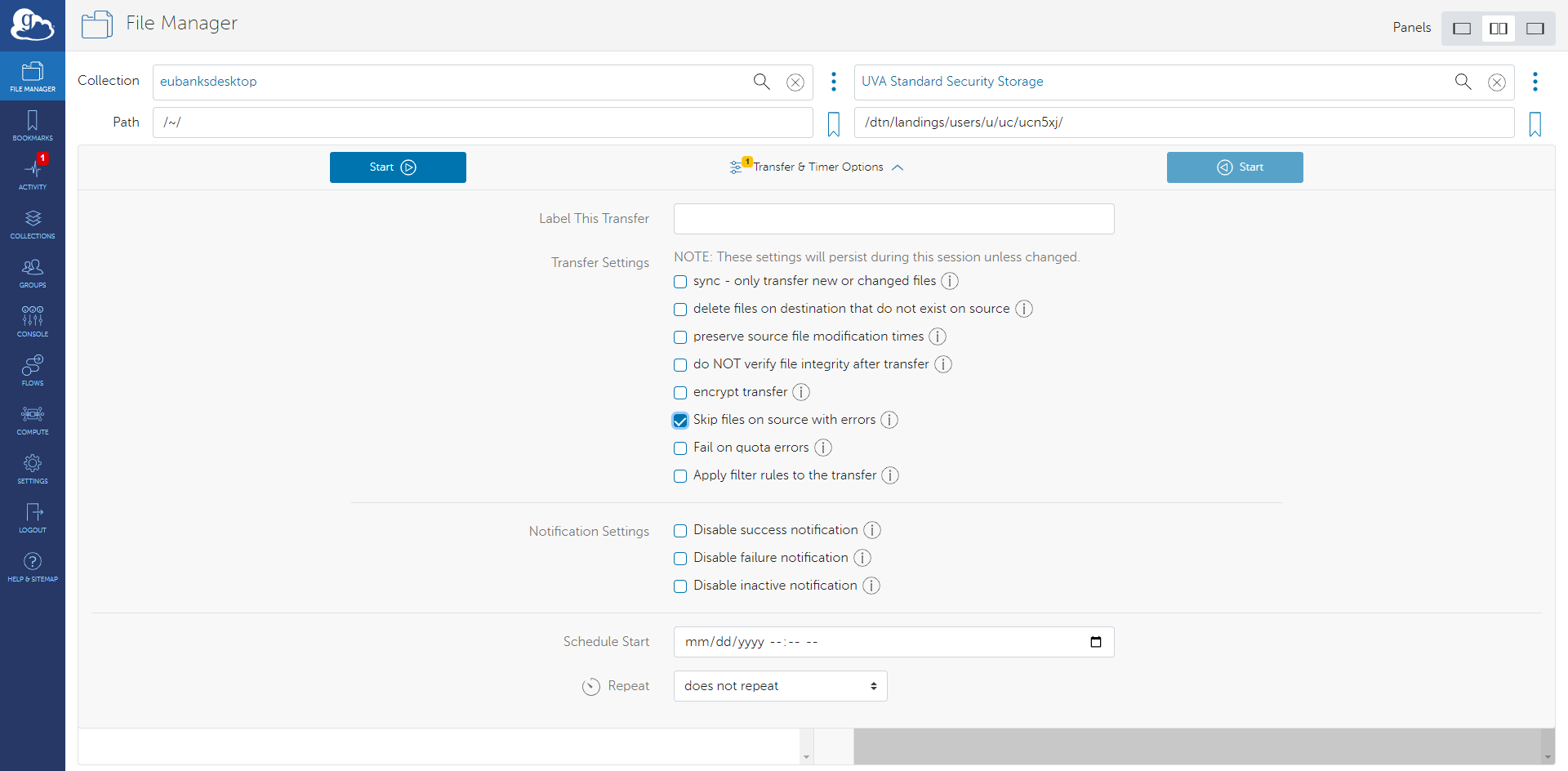
You can optionally click the transfer options box to set specific parameters for your transfer.
- By default, transfers on UVA DTNs are synced (option 1) and encrypted (option 5) – no need to select them.
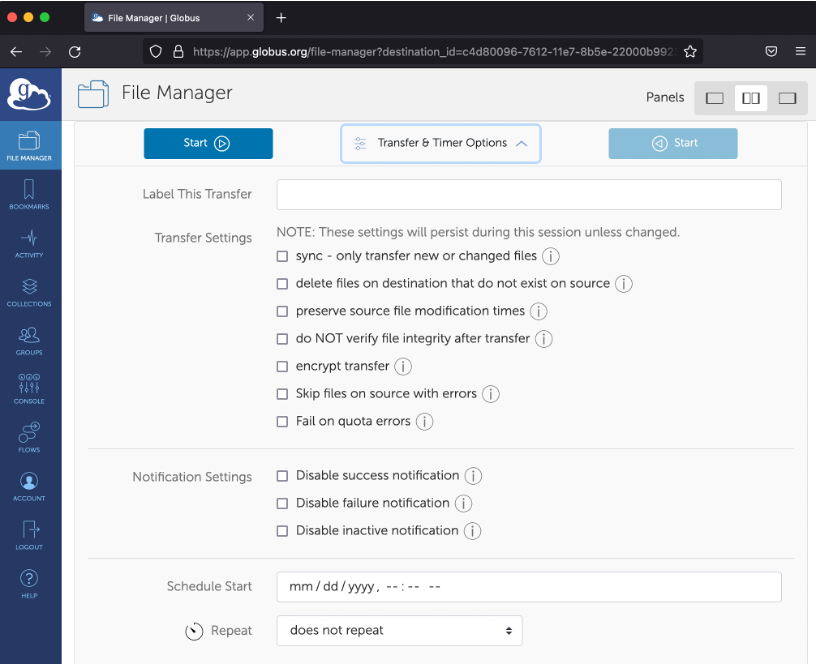
- Files with errors will cause the entire transfer to fail – skip files with errors instead (option 6).
-
You can schedule one-time and regular transfers with Timer.
-
When ready, click the blue Start button that points in the appropriate direction. When complete, the new folder will appear in the destination pane.