Connecting with FastX
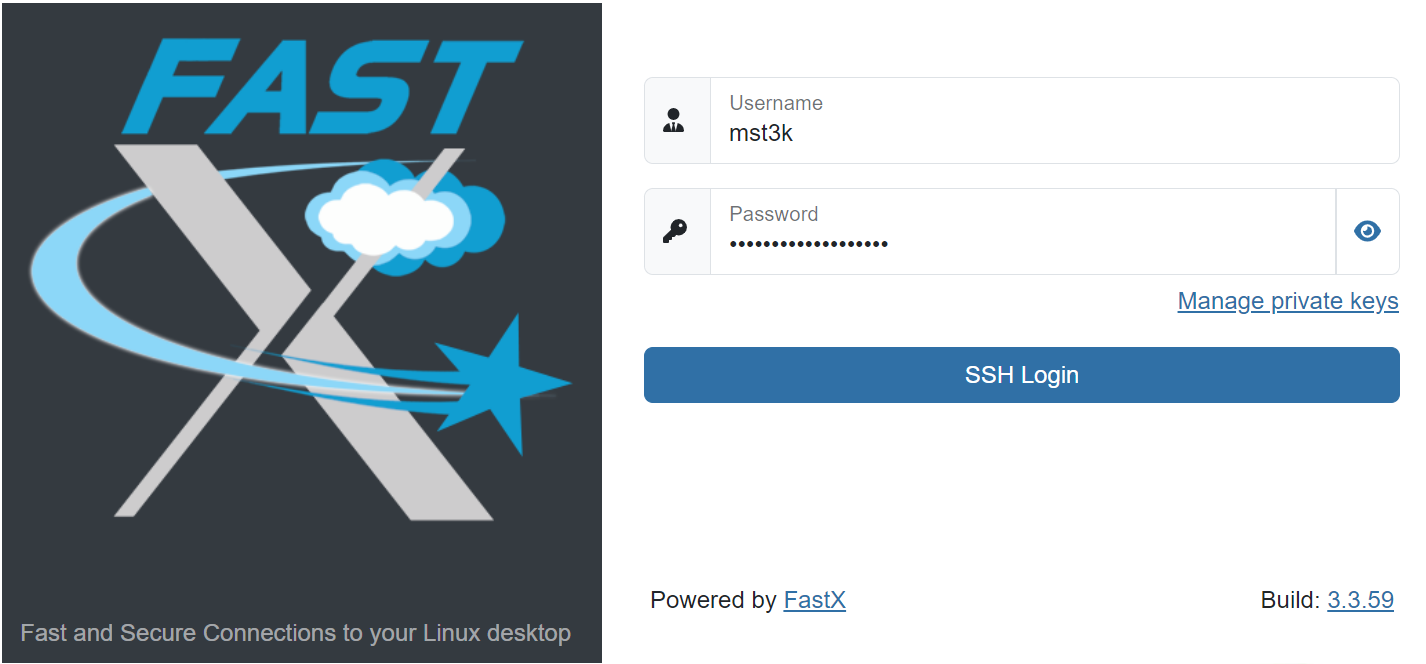
FastX is a Web-based desktop environment for HPC. It is accessible either through the Open OnDemand Interactive Apps menu, or directly at fastx.hpc.virginia.edu.
FastX requires the VPN. If the VPN is not active, the start page will not load.
Always use either the OOD link or the fastx URL. The underlying name of the host may change from time to time.