Logging Out of FastX
If you simply close your session browser tab, FastX suspends your session rather than terminates it. It is generally preferable to terminate rather than suspend so that you will not accidentally have multiple sessions running.
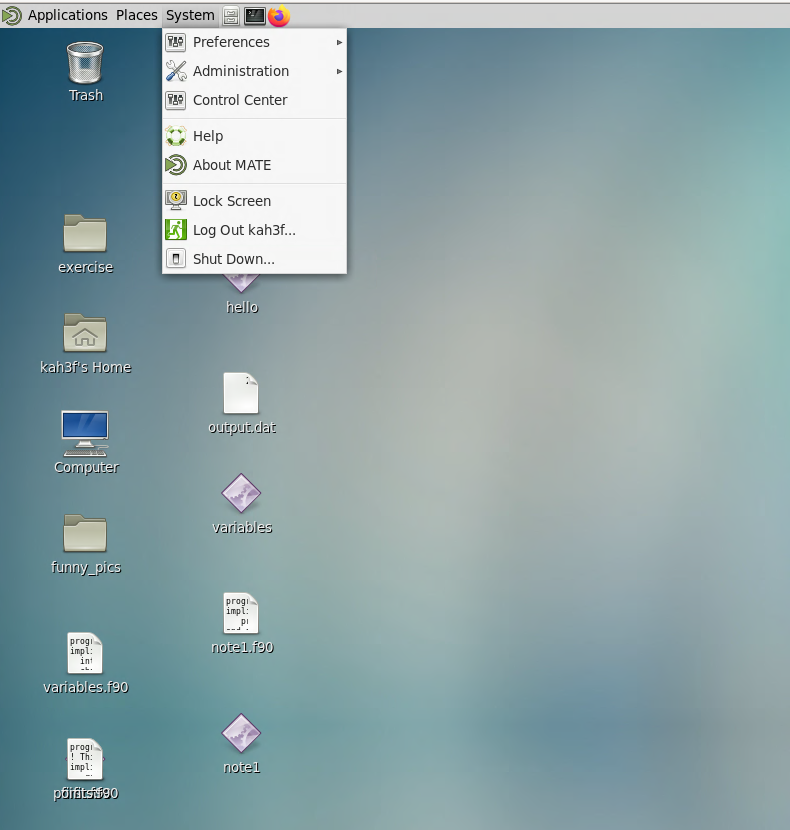
One way to terminate is to log out. Go to the System menu in the top ribbon and select Log Out mst3k (with your ID).