The FastX Session
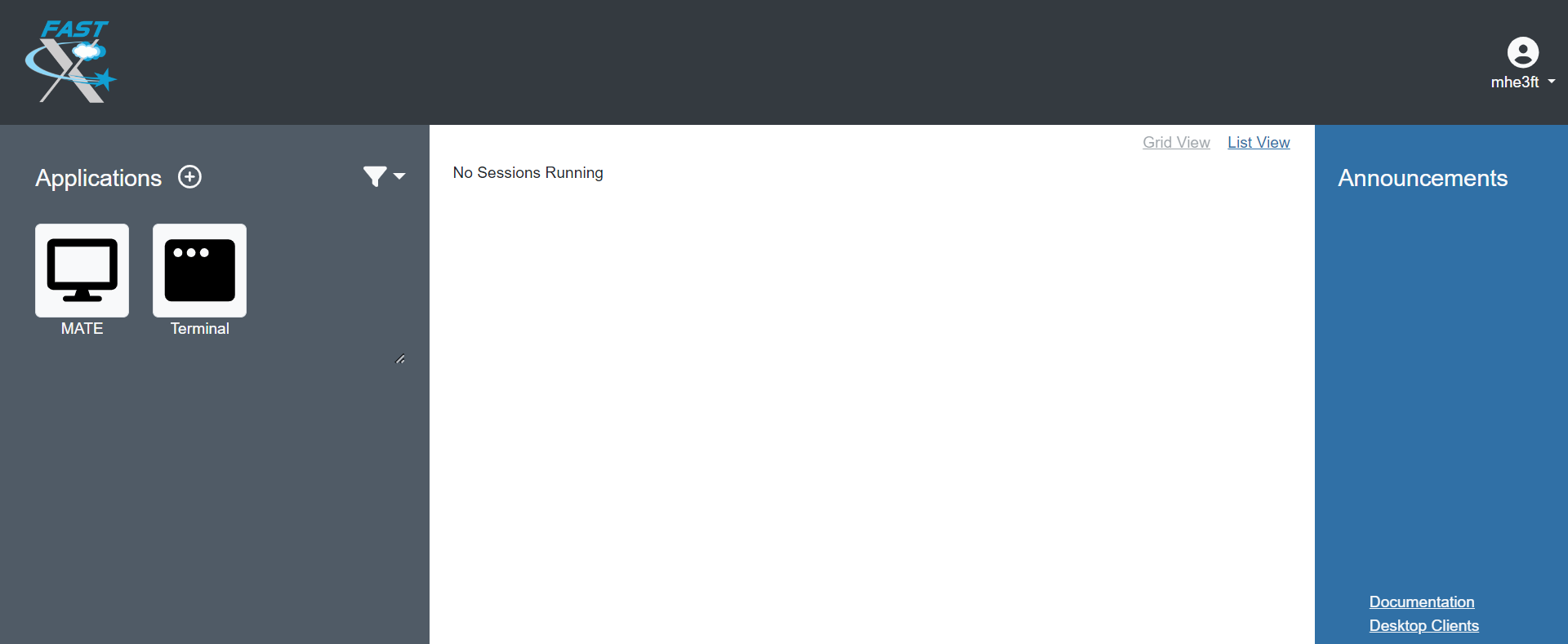
FastX starts a session on a frontend. A new session is started by selecting either the MATE or Terminal icon under Applications on the right side of the page.
Type to search the site. Results will appear below as you type.
FastX starts a session on a frontend. A new session is started by selecting either the MATE or Terminal icon under Applications on the right side of the page.