Getting Job Details
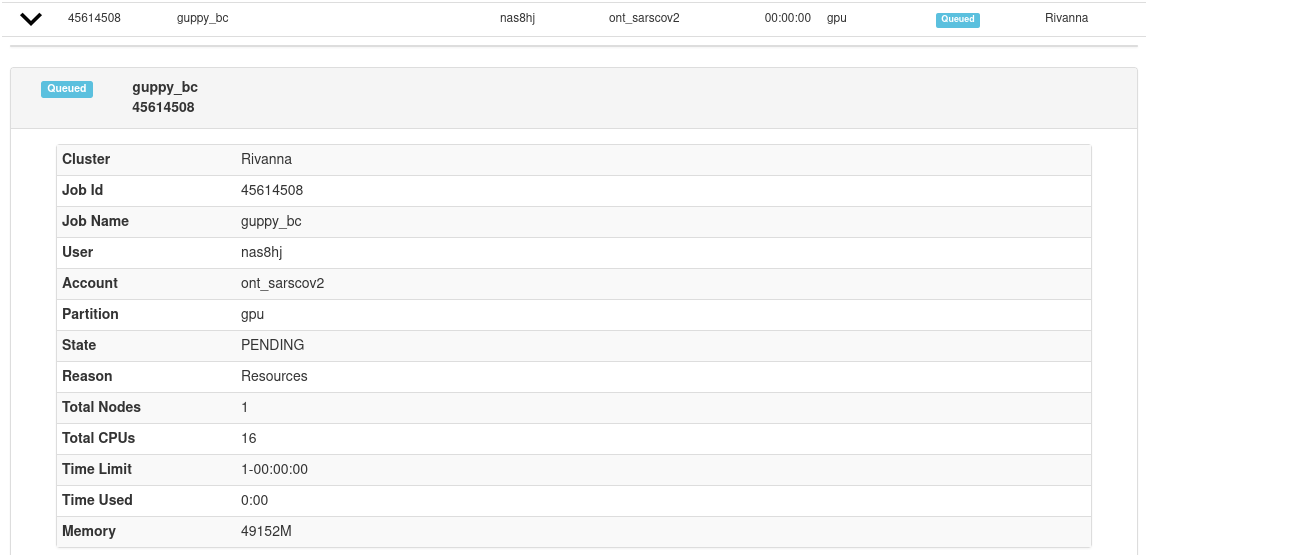
In the OOD Job Viewer, clicking on the right arrow for a particular job will show details of the job if it is queued or running. Completed jobs will have no information available. Be patient as it can take a few moments for the information to be loaded. In this illustration the selected job is PENDING. The reason given is Resources, which means that no resources are available yet for this job.
Completed jobs will be visible only for a short while as they are wrapping up and exiting.
If an error occurs, try reloading the page.