The OOD Job Viewer

Open OnDemand allows you to check the status of your jobs easily. Open the Jobs tab and go to Active Jobs. The default view is All Jobs.
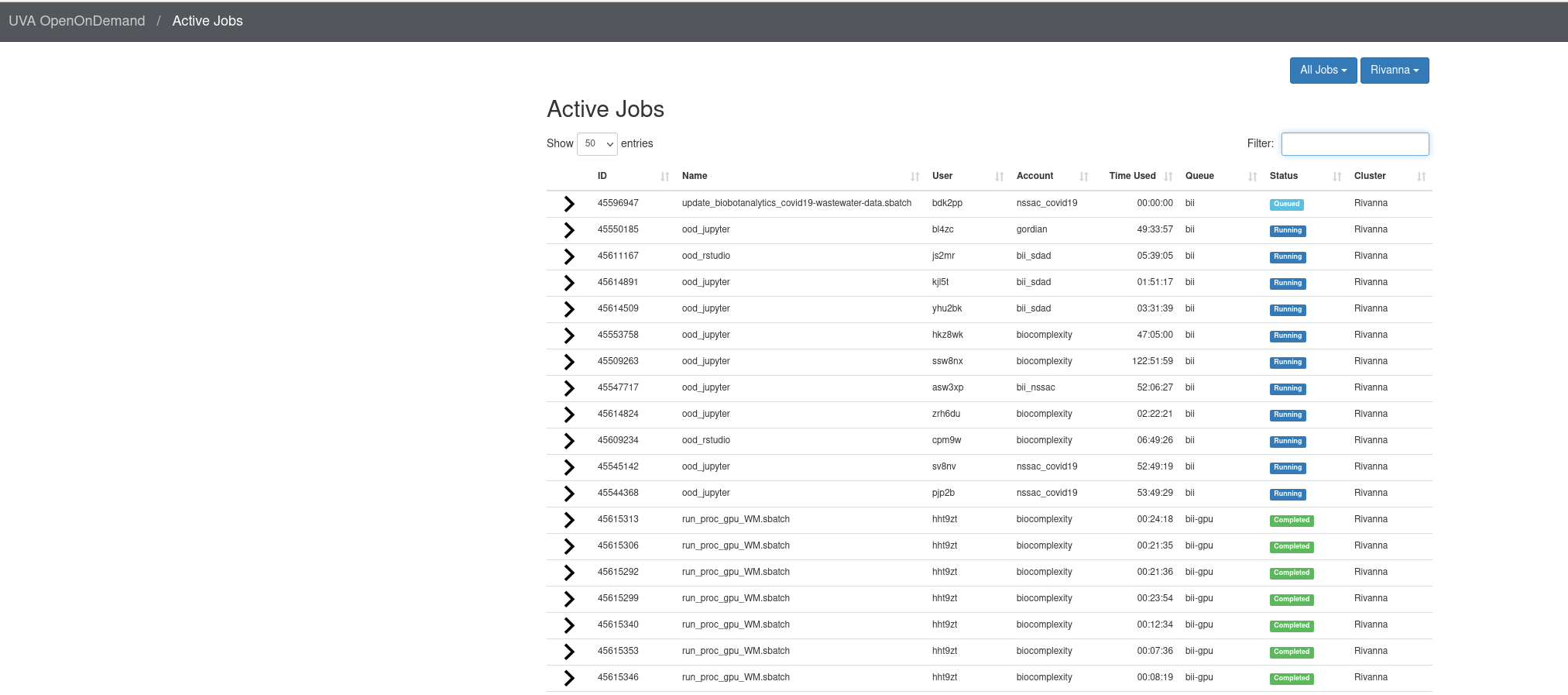
The Open OnDemand Active Jobs list, with details like job name, user, account, time used, and status.
Job status viewer in OOD.

You can filter to select subsets of the jobs, for example you can view only jobs in the gpu partition.
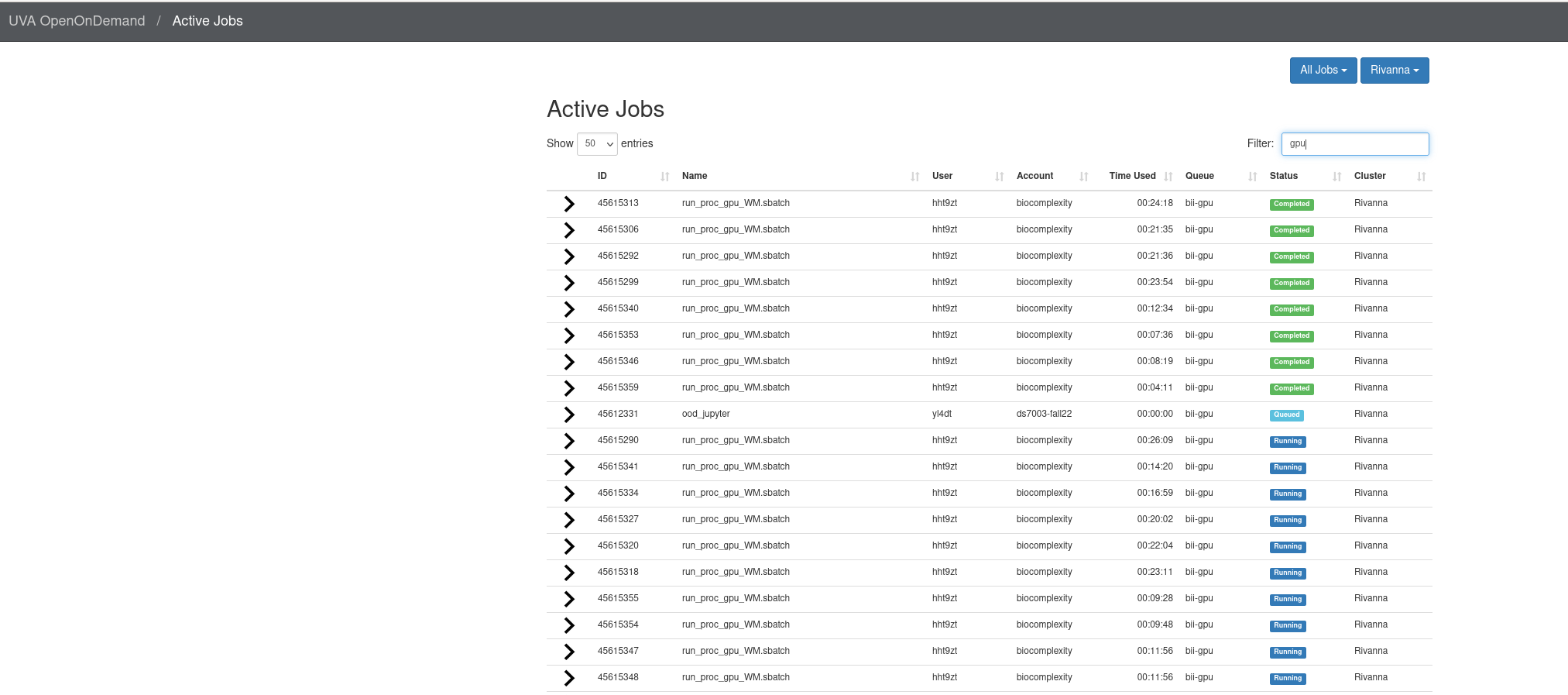
The Open OnDemand job viewer with 'gpu' typed into the filter box.
Viewing only the GPU partition.

You can also look at the status of only your own jobs by switching from All Jobs to My Jobs.
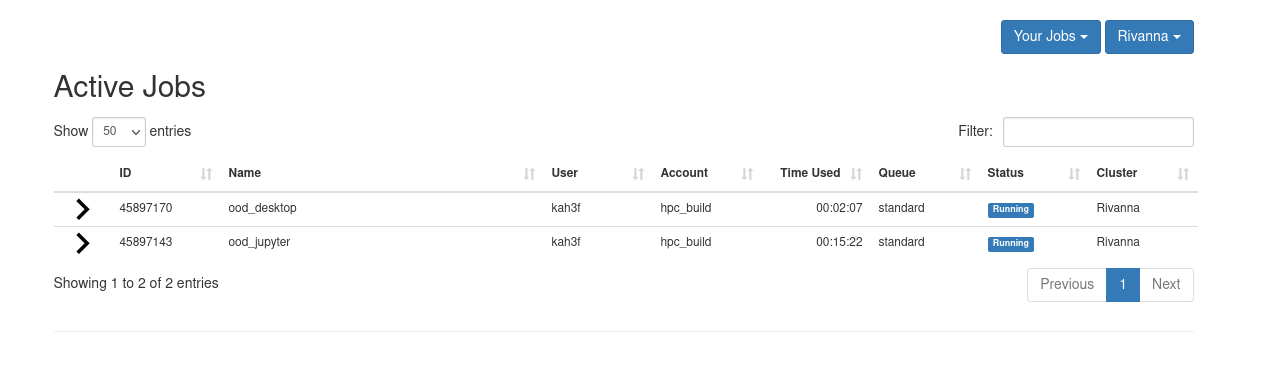
The Open OnDemand job viewer with 'Your Jobs' selected in the dropdown.
Viewing only my jobs.
Previous
Next
RC Logo RC Logo © 2025 The Rector and Visitors of the University of Virginia