Transferring with Graphical Clients: Windows
MobaXterm
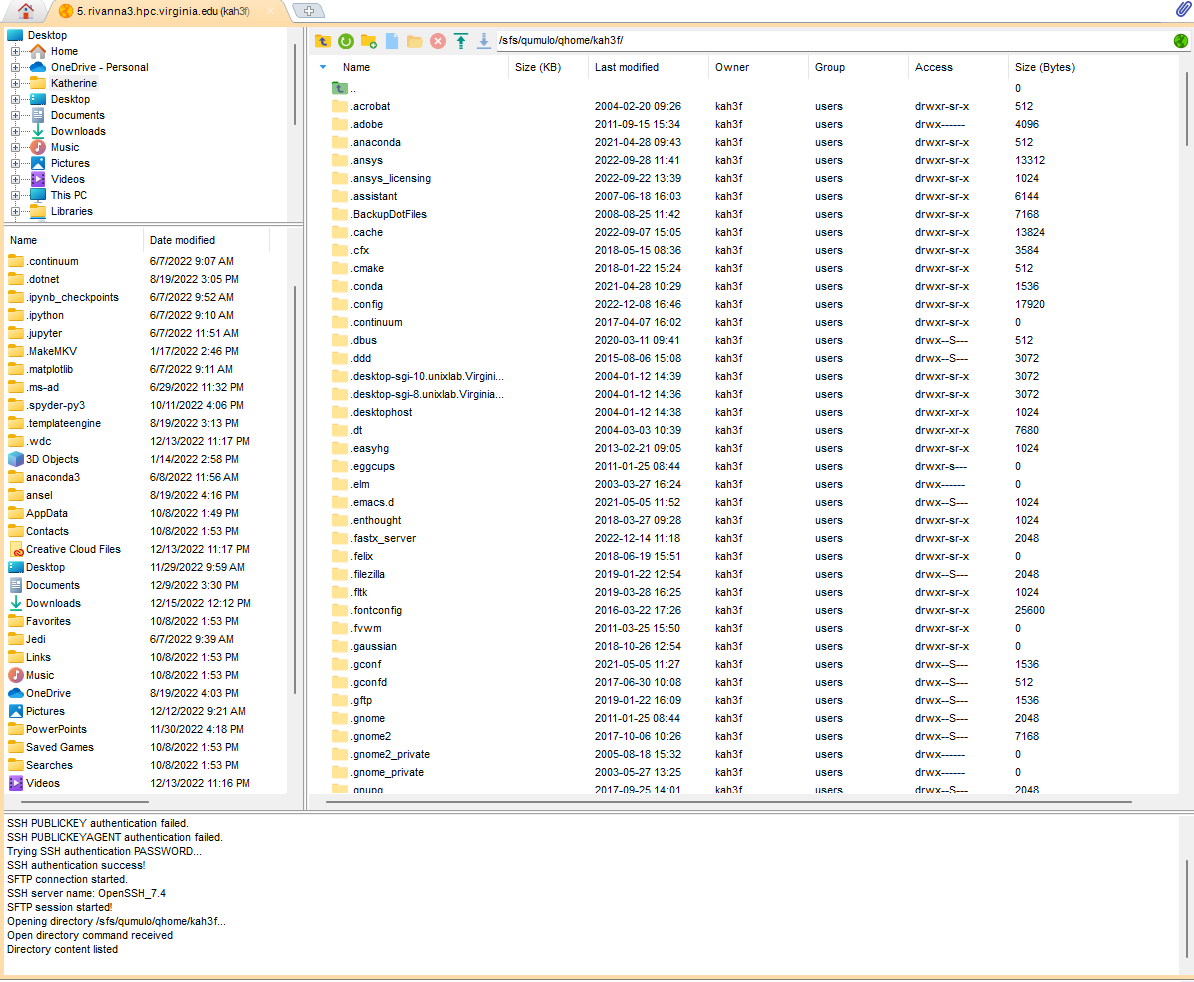
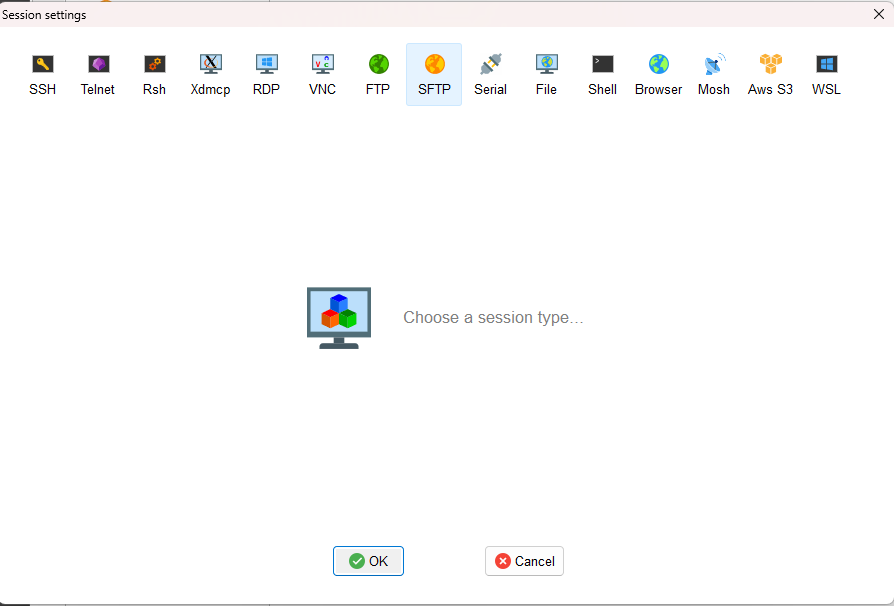
Start an SFTP session in MobaXterm. Use one of the specific hosts login1.hpc.virginia.edu, login2.hpc.virginia.edu, login3.hpc.virginia.edu
A double-paned window will open. Drag and drop files between your local machine and the remote server.