Rstudio Session
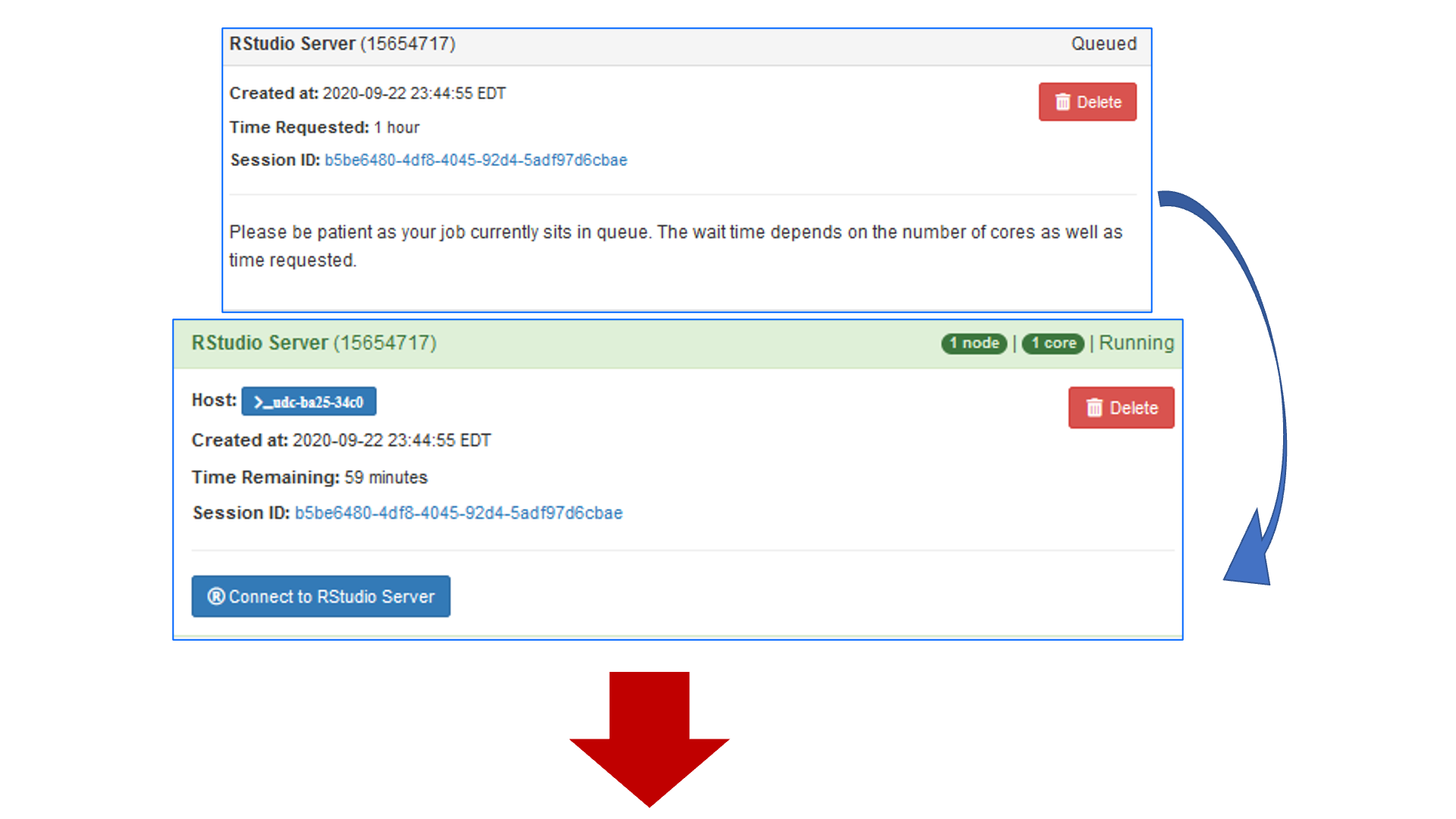
Once you launch/submit your request, your job will wait in the queue until resources are available. You’ll then be able to connect to your session:
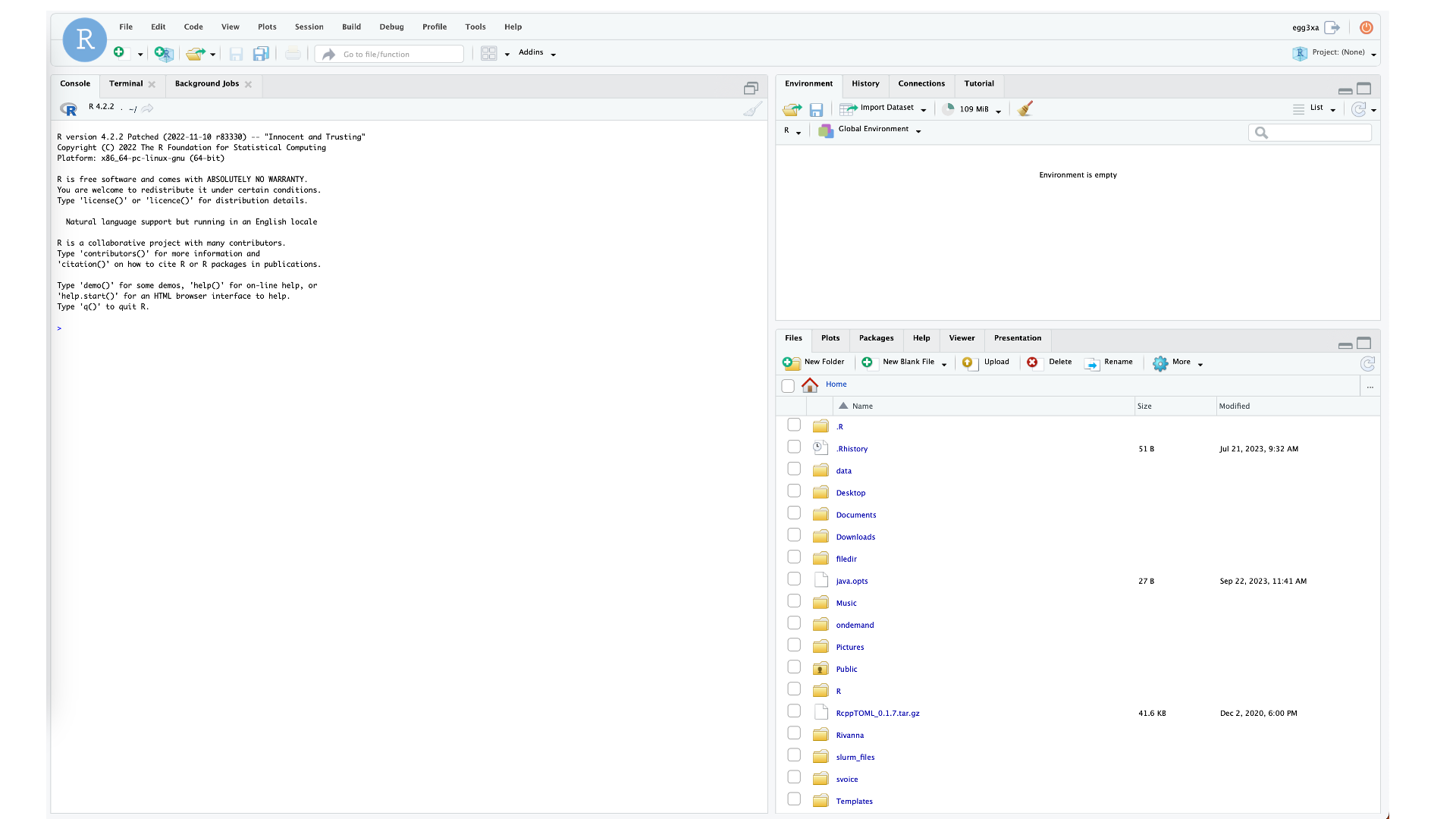
Rstudio Server can continue running any active processes if your network is disconnected. Simply log back in to Open OnDemand, go to the “My Interactive Sessions tab”, and click Launch again. It will reconnect, not launch another session.