Browser Access
After signing into UVA RC GenAI, you should have browser access to the OpenWebUI interface.
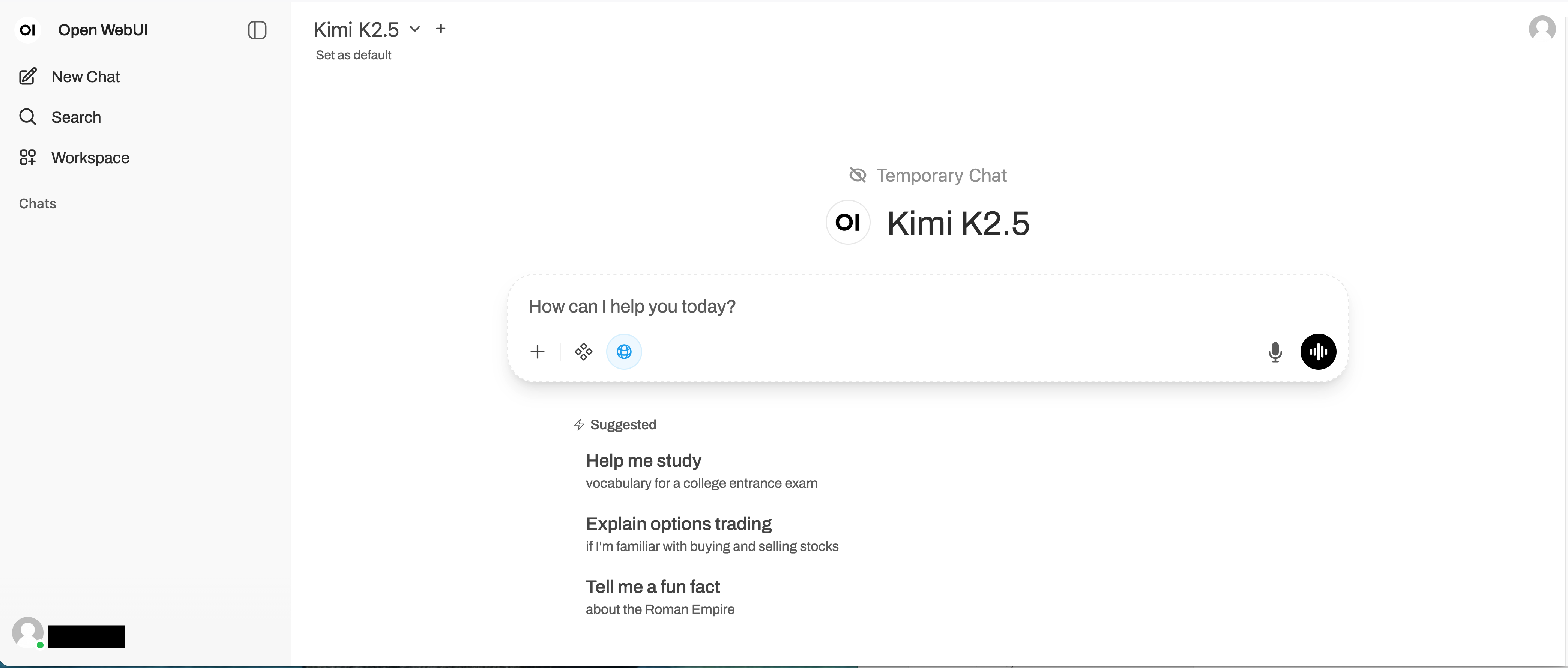
Here, you can chat through the conversational interface, adjust integrations (e.g., web search), or even upload and attach content to the chat session.
Files can be loaded into the web interface – supported extensions include: pdf, docx, txt, md, csv, png, jpeg, jpg, pptx, xls, xlsx, json, sh, html, htm, xhtml, js, and py.
More on data management will be discussed in Data Management.
Custom Models and Workspaces
Custom models can be created under the Workspace tab on the left side of the OpenWebUI interface. Custom models can be tuned with specific system prompts and additional capabilities outside of the base offering.
The base model is configured with streaming enabled on default. Custom models with streaming disabled can be useful to de-clutter output prompts from programatic API calls.
Steps to Configure Custom Model for programatic API access
-
Click “Workspace” in the sidebar followed by “+ New Model” on the page
-
Configure your custom model as desired and disable streaming: Advanced Params (click “Show”) > Stream Chat Response (click to “Off”)
-
Click “Save & Create” to add the custom model to your workspace.
If reproducibility is a concern, parameters such as seed and temperature can be configured as desired (Advanced Params (click show) > Seed and Temperature options)