Claude Code
Claude Code on HPC
Claude Code is an AI-assistant for software engineering tasks that runs directly in the terminal to write, edit and analyze code. You can link it to UVA RC GenAI.
Installing Claude Code
First, you’ll need to install Claude Code into your home account with the following:
curl -fsSL https://claude.ai/install.sh | bash
Once the command is finished running, run the following to add ~/.local/bin to your path:
echo 'export PATH="$HOME/.local/bin:$PATH"' >> ~/.bashrc && source ~/.bashrc
Claude Code with UVA RC GenAI
Edit your ~/.claude/settings.json file to point towards UVA RC GenAI:
{
    "model": "Kimi K2.5",
    "env": {
    "ANTHROPIC_BASE_URL": "https://open-webui.rc.virginia.edu/api",
    "ANTHROPIC_AUTH_TOKEN": "<your-api-key>",
    "CLAUDE_CODE_MAX_OUTPUT_TOKENS": "4096"
  }
}
Then launch with:
claude on the command line
claude will run in whatever directory it’s launched in.
VS Code’s Claude Code Extension
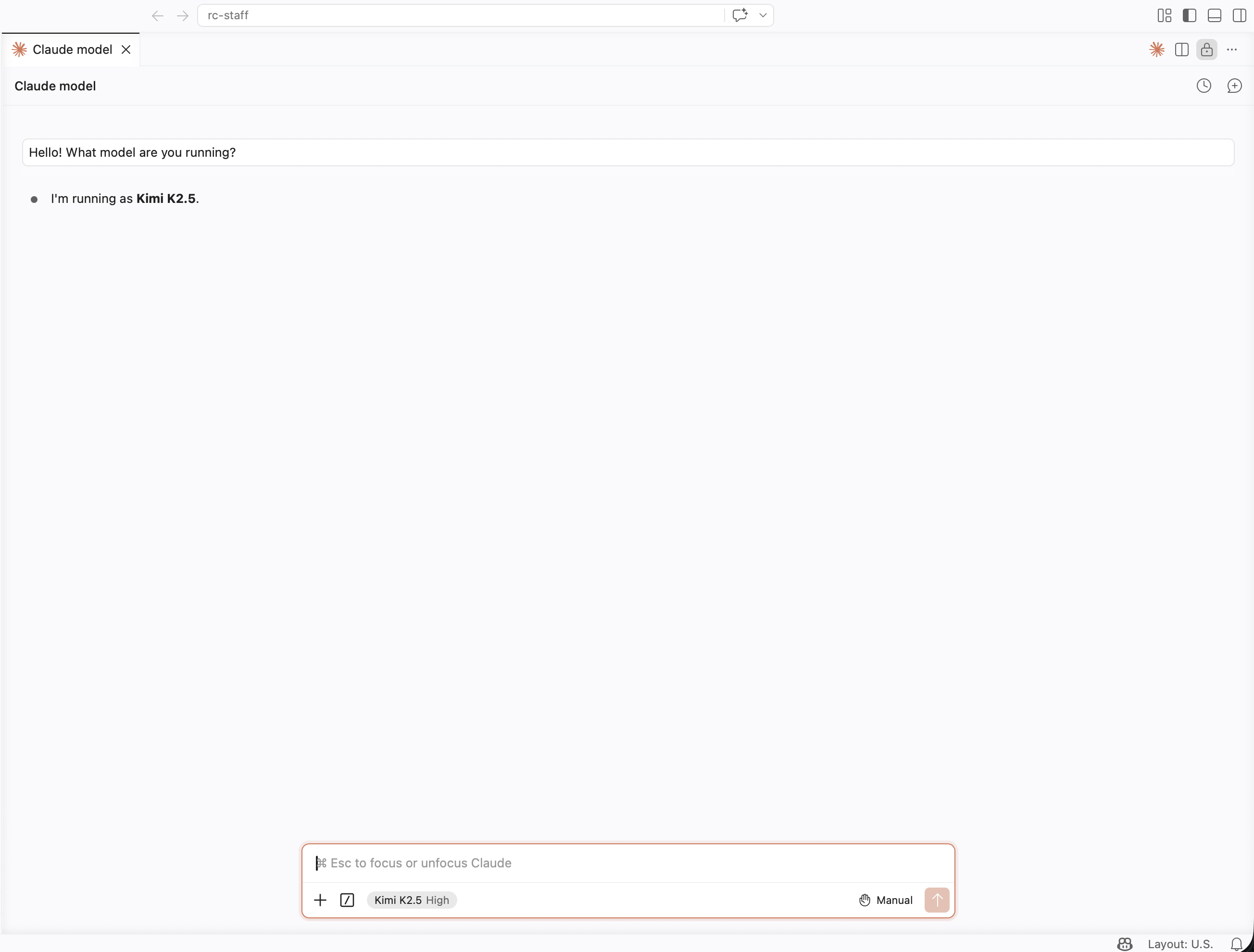
The VS Code Claude Code extension can also be integrated with the above configuration in ~/.claude/settings.json.
You’ll want to ensure that the Claude Code extension is installed inside of your
Open OnDemand VS Code session prior to launching Claude Code.